> ## Documentation Index
> Fetch the complete documentation index at: https://docs.figr.design/llms.txt
> Use this file to discover all available pages before exploring further.
# Copy and Download
> Copy a node as an image, export a high-resolution PNG, or download its front-end code.
Figr gives you a few ways to take a node's output out of the canvas. Copy it as an image, export a high-resolution image, or download its front-end code.
## Copy as Image
Copy as Image copies a rendered output to your clipboard and shows a confirmation once it is copied. The copy is a PNG. Use it for Slack updates, internal docs, presentations, quick review, or a static snapshot.
## High-resolution image export
High-resolution export gives you polished static assets as a PNG download. Use it when you need polished static assets for decks, specs, stakeholder updates, product reviews, documentation, or async design critique.
## Download Code
You can download a node's front-end output for implementation reference or prototyping.
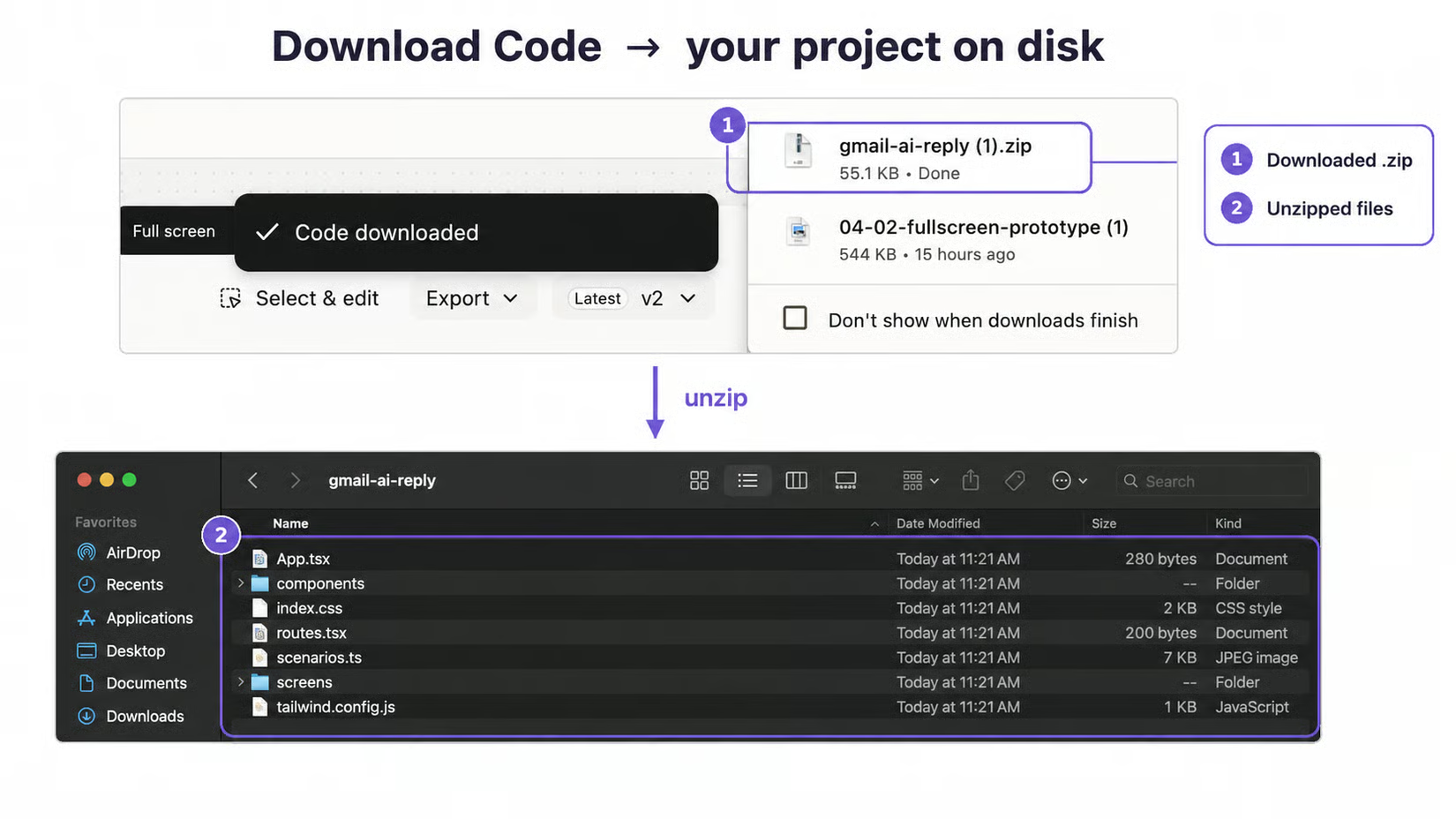
 Use it when you need code as a starting point, you want to inspect structure, you want to hand off a prototype direction, or you are moving from Figr into development. Do not send vague ideas to engineering. Use Figr to clarify the flow, states, and design direction first, then hand off.