> ## Documentation Index
> Fetch the complete documentation index at: https://docs.figr.design/llms.txt
> Use this file to discover all available pages before exploring further.
# Earn free credits
> Add credits to your balance without upgrading, by setting up Figr, installing the extension, reviewing, sharing, or referring.
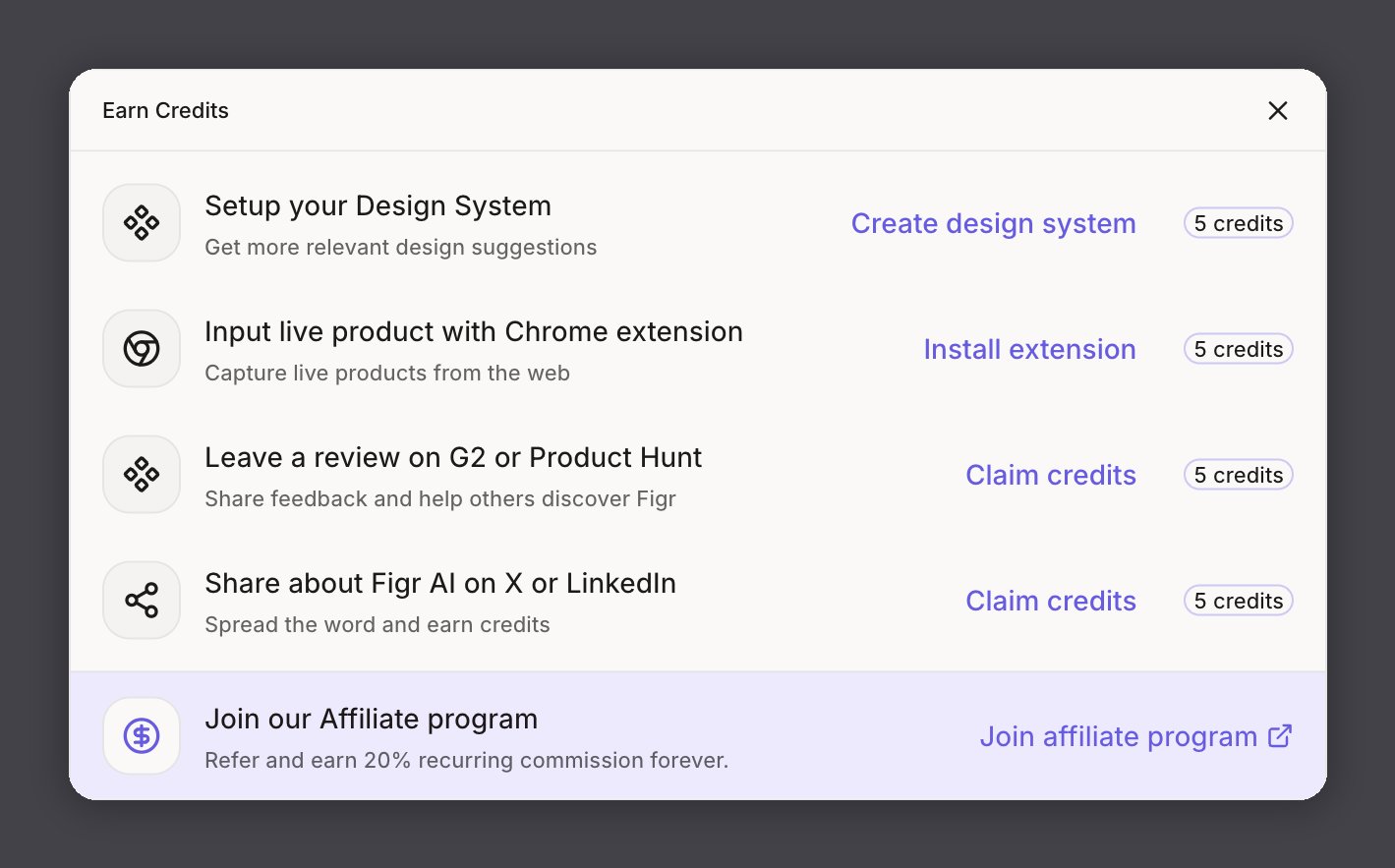
Credits power every generation in Figr. Open **Earn more credits** at the bottom of the left sidebar to see your tasks and claim rewards.
 ## Ways to earn
| Task | What you do | Reward |
| ---------------------------- | -------------------------------------------------------- | --------- |
| Set up your design system | Connect Figma or upload files so Figr learns your tokens | 5 credits |
| Install the Chrome extension | Capture live products from the web as input | 5 credits |
| Review on G2 or Product Hunt | Share honest feedback about Figr | 5 credits |
| Share on X or LinkedIn | Post about Figr and claim your credits | 5 credits |
Each task credits your balance once. Set up your design system from the [Design Language](/product-intelligence/design-system) page; the rest are one click from the Earn more credits panel.
## Affiliate program
Refer PMs, designers, and SaaS teams and earn 20% recurring commission for as long as they stay subscribed. Your referral link, commissions, and payouts live in Rewardful. [Become an affiliate](https://figr.design/affiliate-program).
## Ways to earn
| Task | What you do | Reward |
| ---------------------------- | -------------------------------------------------------- | --------- |
| Set up your design system | Connect Figma or upload files so Figr learns your tokens | 5 credits |
| Install the Chrome extension | Capture live products from the web as input | 5 credits |
| Review on G2 or Product Hunt | Share honest feedback about Figr | 5 credits |
| Share on X or LinkedIn | Post about Figr and claim your credits | 5 credits |
Each task credits your balance once. Set up your design system from the [Design Language](/product-intelligence/design-system) page; the rest are one click from the Earn more credits panel.
## Affiliate program
Refer PMs, designers, and SaaS teams and earn 20% recurring commission for as long as they stay subscribed. Your referral link, commissions, and payouts live in Rewardful. [Become an affiliate](https://figr.design/affiliate-program).