> ## Documentation Index
> Fetch the complete documentation index at: https://docs.figr.design/llms.txt
> Use this file to discover all available pages before exploring further.

# What Figr Creates

Because Figr understands your product context, it creates the artifacts product teams need before, during, and after design, and keeps them connected on one infinite canvas.
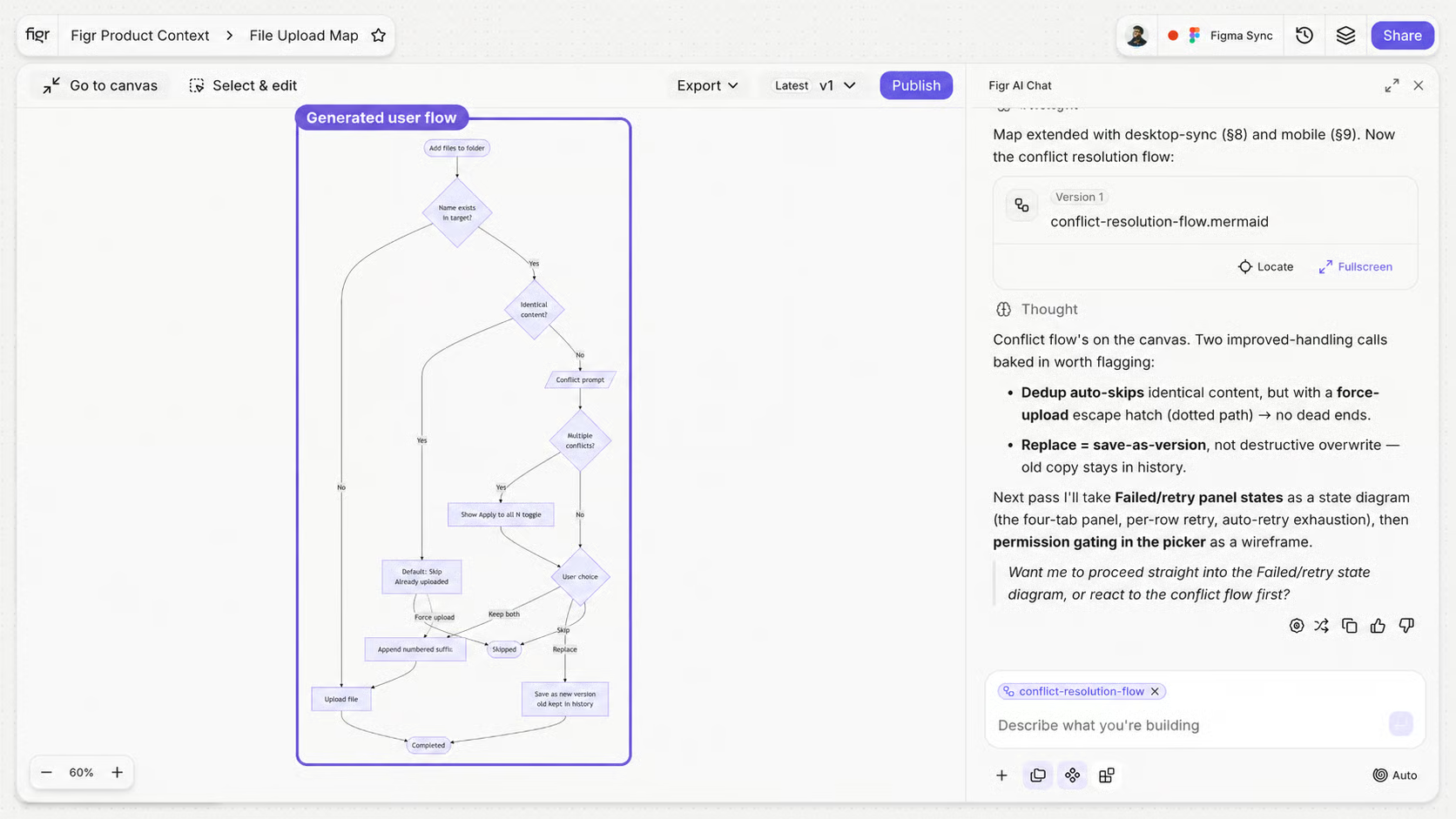
<img alt="PRD, user stories, acceptance criteria, test cases, user flow, and prototype connected on the canvas" title="Artifacts connected on the canvas" style={{ width:"93%" }} lightAlt="PRD, user stories, acceptance criteria, test cases, user flow, and prototype connected on the canvas" darkAlt="PRD, user stories, acceptance criteria, test cases, user flow, and prototype connected on the canvas" src="https://mintcdn.com/figr-1af7ae64/-GMAzIjL9qDaTeup/images/What-Figr-Creates.avif?fit=max&auto=format&n=-GMAzIjL9qDaTeup&q=85&s=649d747d8688d3cbf9c9620a8542b5ea" className="dark:hidden" width="1672" height="941" data-path="images/What-Figr-Creates.avif" />

<img alt="PRD, user stories, acceptance criteria, test cases, user flow, and prototype connected on the canvas" title="Artifacts connected on the canvas" style={{ width:"93%" }} lightAlt="PRD, user stories, acceptance criteria, test cases, user flow, and prototype connected on the canvas" darkAlt="PRD, user stories, acceptance criteria, test cases, user flow, and prototype connected on the canvas" src="https://placehold.co/1600x900/EEEEEE/31343C?text=03-02-what-figr-creates.png" className="hidden dark:block" />

You can use Figr to create:

* UX reviews
* PRDs
* Product documentation
* User stories
* Acceptance criteria
* Test cases
* User flows
* Edge case maps
* State checklists
* High-fidelity prototypes
* Figma-ready design directions

<Card title="See real product UX problems solved with Figr" href="https://figr.design/gallery">
  Browse the gallery of real-world examples.
</Card>
