> ## Documentation Index
> Fetch the complete documentation index at: https://docs.figr.design/llms.txt
> Use this file to discover all available pages before exploring further.
# Who Should Use Figr
> Discover if Figr is right for your team and use case.
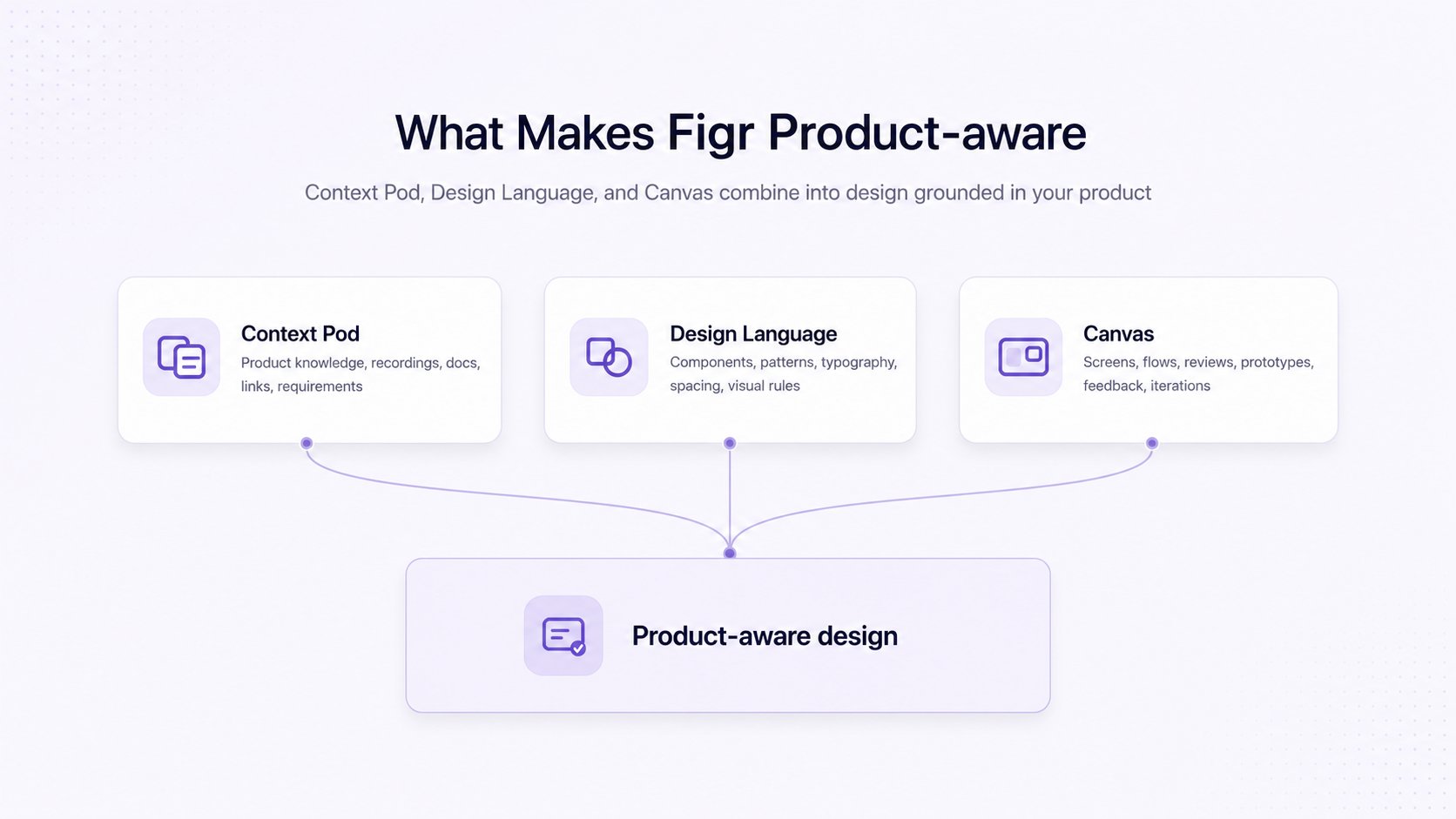 Figr is built for the people who shape a product and need design that reflects it. It is product-first, so you do not need to be a designer to get a usable, on-brand result.
Move from product thinking to design direction without waiting on a designer.
Use Figr to:
* Turn rough ideas and PRDs into user flows and screens
* Audit flows for missing states and edge cases
* Produce handoff that is part PRD, part flow, part prototype
Speed up exploration, review, and refinement without giving up judgment.
Use Figr to:
* Explore multiple directions quickly
* Check whether a design follows your existing system
* Generate Figma ready design exports with auto-layouts, components and tokens
Design product-aware screens without a dedicated design team, using the context and product you already have.
Use Figr to:
* Turn product ideas into early flows and concept screens
* Build investor or customer demos
* Test whether an idea works before committing engineering time
Engineers get a context-rich handoff: \
a Figma file, a shared link, or code, with the product reasoning behind it.
## Where to go next
Generate your first prototype in a few minutes.
Go from a product problem to a structured PRD and prototype.
Figr is built for the people who shape a product and need design that reflects it. It is product-first, so you do not need to be a designer to get a usable, on-brand result.
Move from product thinking to design direction without waiting on a designer.
Use Figr to:
* Turn rough ideas and PRDs into user flows and screens
* Audit flows for missing states and edge cases
* Produce handoff that is part PRD, part flow, part prototype
Speed up exploration, review, and refinement without giving up judgment.
Use Figr to:
* Explore multiple directions quickly
* Check whether a design follows your existing system
* Generate Figma ready design exports with auto-layouts, components and tokens
Design product-aware screens without a dedicated design team, using the context and product you already have.
Use Figr to:
* Turn product ideas into early flows and concept screens
* Build investor or customer demos
* Test whether an idea works before committing engineering time
Engineers get a context-rich handoff: \
a Figma file, a shared link, or code, with the product reasoning behind it.
## Where to go next
Generate your first prototype in a few minutes.
Go from a product problem to a structured PRD and prototype.