

What Review Does
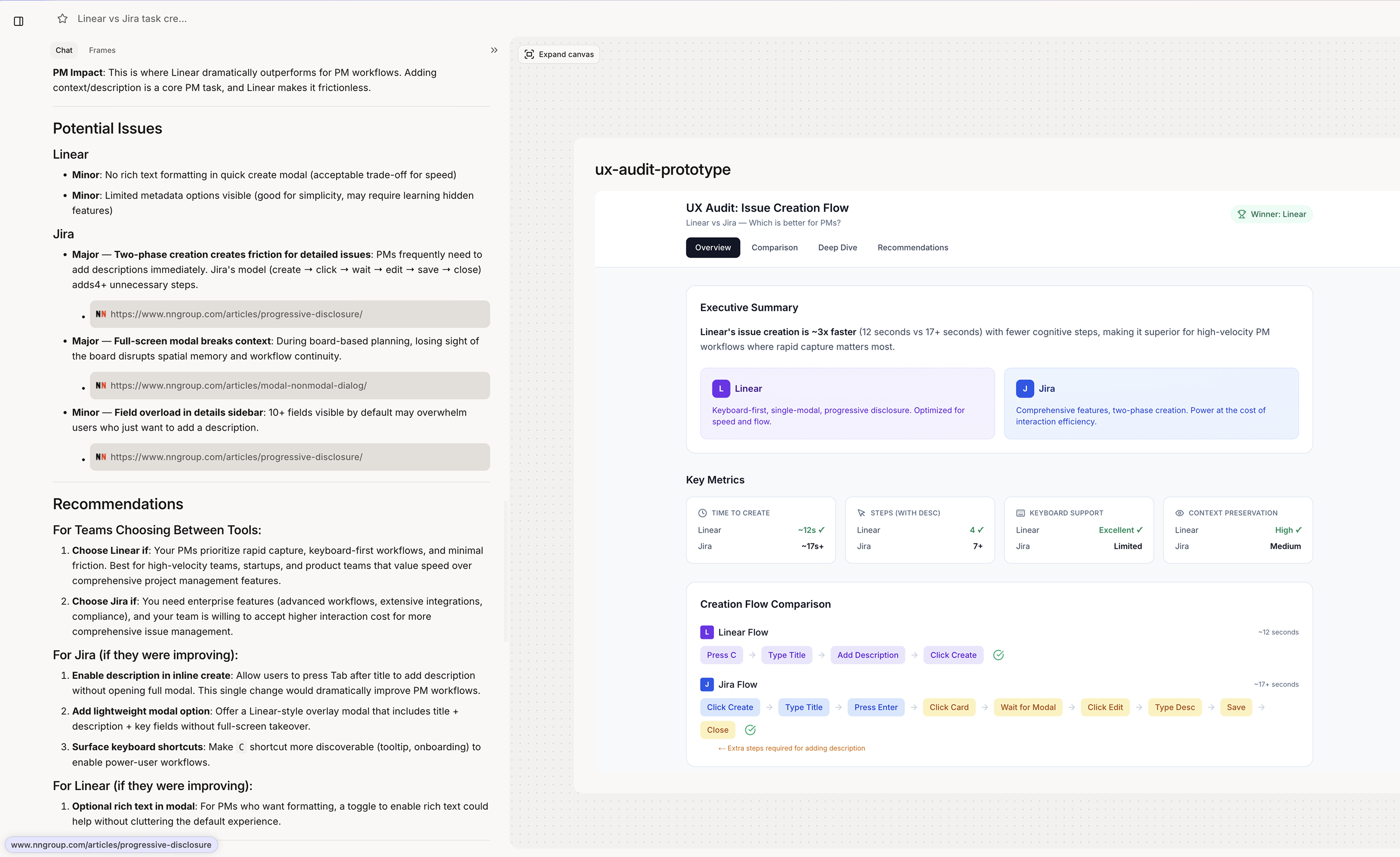
Review analyzes designs and provides actionable feedback. It catches usability issues, accessibility problems, and pattern violations that humans miss. Review provides:- UX audits and critique
- Accessibility analysis (WCAG compliance)
- Pattern consistency checks
- Usability issue identification
- Improvement recommendations
When Figr Uses Review
Figr engages review when you:- Ask for feedback on a design
- Request an audit or critique
- Want accessibility analysis
- Need to validate a approach
- Ask what’s wrong or what to improve
Trigger Phrases
Trigger Phrases
Types of Review
UX Audit
UX Audit
Comprehensive usability analysis. UX audit covers:
- Information hierarchy
- Visual scanning patterns
- Cognitive load assessment
- Action clarity
- Error prevention
- User flow friction
Accessibility Review
Accessibility Review
WCAG compliance and inclusive design. Accessibility checks:
- Color contrast ratios
- Touch target sizes
- Screen reader compatibility
- Keyboard navigation
- Focus states
- Alt text requirements
Pattern Consistency
Pattern Consistency
Does it match your product? Consistency checks:
- Design system compliance
- Component usage patterns
- Spacing and alignment
- Typography hierarchy
- Interaction patterns
Competitive Benchmark
Competitive Benchmark
How does it compare? Benchmark analysis:
- Industry standard patterns
- Best-in-class examples
- Differentiating opportunities
- Common conventions
Getting Best Results
Provide Context
Provide Context
- Better reviews with context: “Review this onboarding flow. Target users are non-technical small business owners. Goal is completion in under 3 minutes.”
Ask Specific Questions
Ask Specific Questions
Focused review:
- “Is the visual hierarchy clear?”
- “Are the CTAs prominent enough?”
- “Will users know what to do first?”
Request Actionable Output
Request Actionable Output
Actionable asks:
- “What are the top 3 things to fix?”
- “Give me specific recommendations I can implement”
- “Prioritize issues by impact”