

Version history
Use version history to go back to earlier versions of a generated output. It helps when:- A new edit changed too much
- You preferred an earlier direction
- You want to compare two versions
- You need to restore a previous output
- You want to see how the design evolved For example, you generate a dashboard, then ask Figr to make it more compact. If the new version feels worse, open version history and return to the earlier one.
Layers
Use Layers to see what exists on the Canvas. This helps when your Canvas has many prototypes, notes, screenshots, flows, and sections. Use Layers to find a specific item, understand Canvas structure, check what belongs inside a section, and navigate a crowded Canvas faster.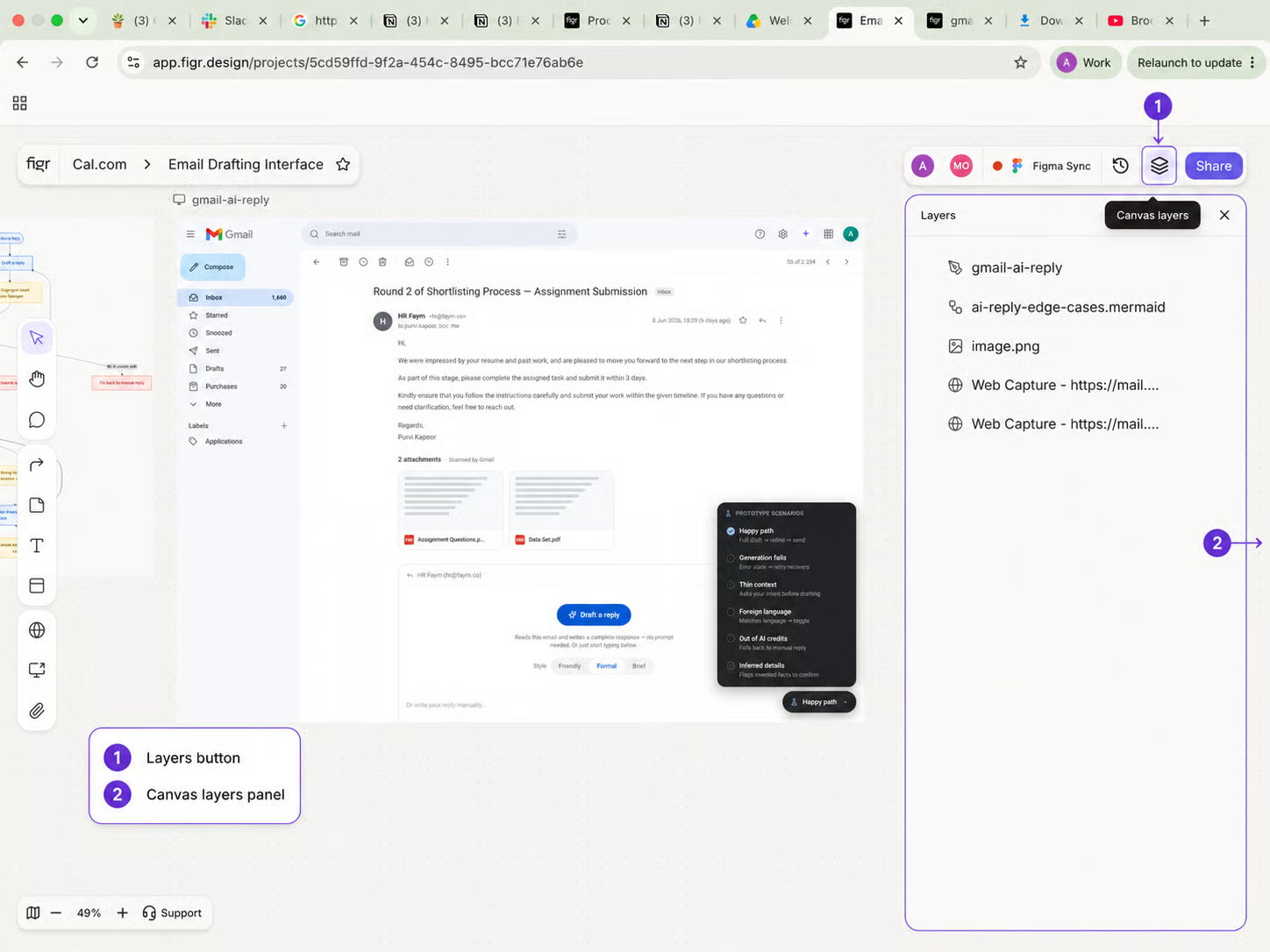

Version history, Layers
Activity
Revert to a previous version Use Activity to review what changed recently. It helps when you are collaborating with others or returning to a project after some time. Use Activity to check what was added, what was edited, what was moved, who made a change, and when it happened.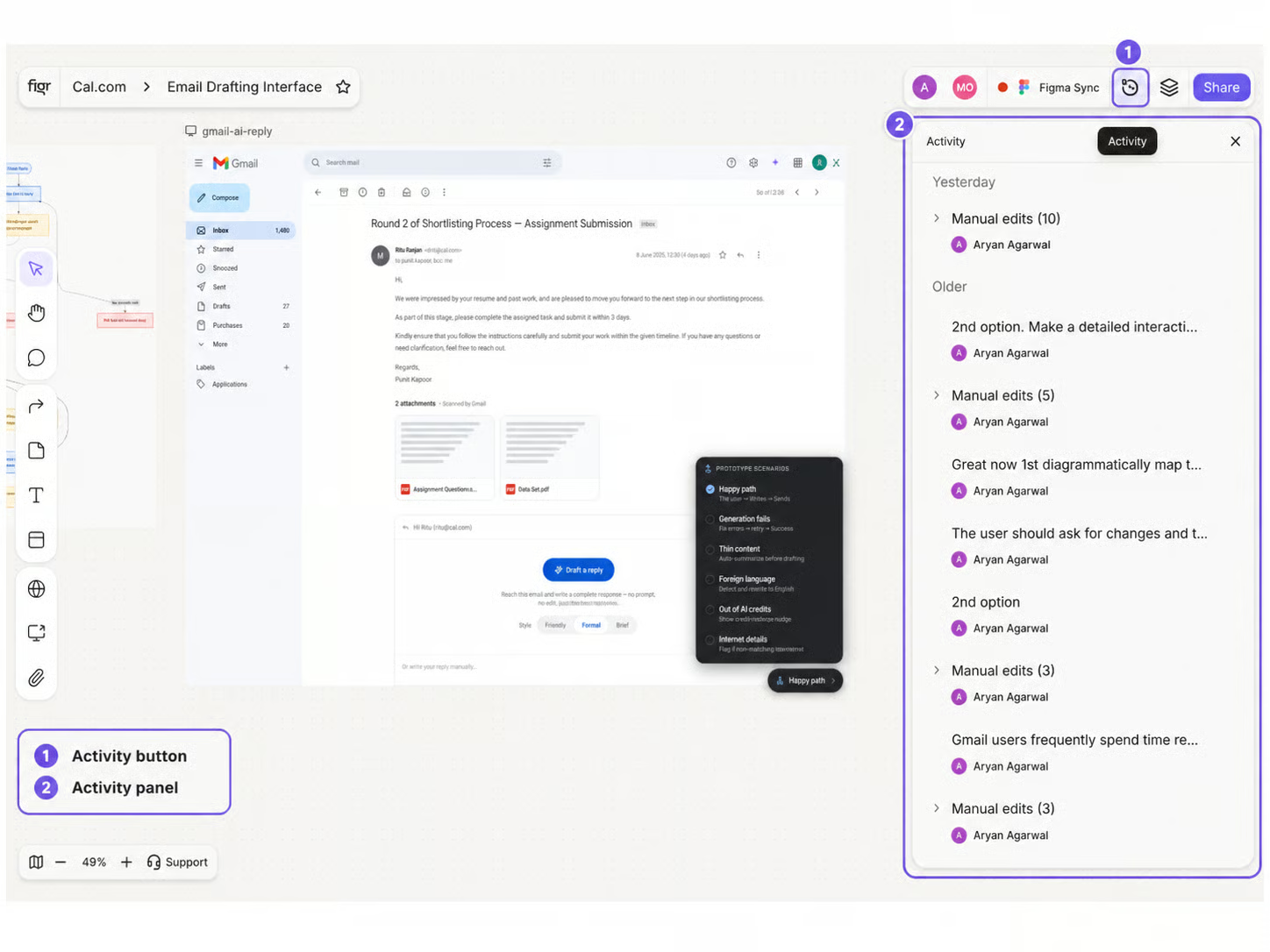
Version history, Layers, and Activity panels
Related
Item Actions
What you can do with a selected item.
Organize Canvas Work
Sticky notes, comments, and sections.
Edit Without Regenerating
Refine a part without redoing the whole screen.