

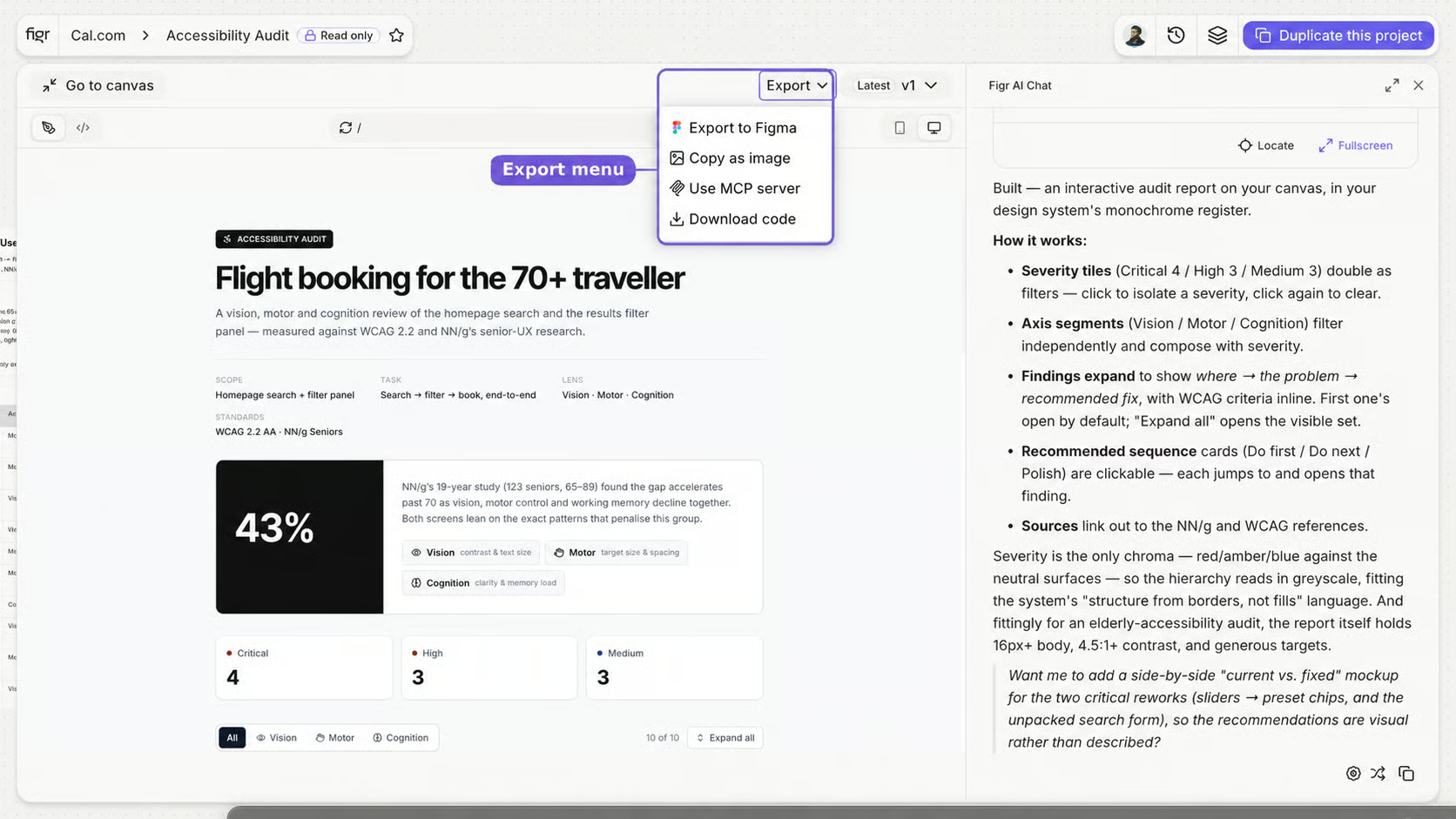

The full export options menu
- A designer needs to polish it, export to Figma.
- Stakeholders need to review it, publish or share a prototype URL.
- Engineering is ready to build, move toward code or MCP.
Export to Figma
Editable frames for a designer to continue.
Publish and Share
A public link for review, or full project access.
Download code
A front-end starting point for implementation.
Figr MCP
Project context for an AI coding assistant.