

-3.png?fit=max&auto=format&n=z16Z7ZdXfoZy_c4N&q=85&s=9b059d32a4735b6e4ff12bc2383e97fa)
Quick actions on a selected canvas item
Common actions
Available actions depend on the item type.
The list below covers prototypes and common artifacts.
The list below covers prototypes and common artifacts.
This makes the Canvas a working surface, not a static board. Select an output, inspect it, interact with it, export it, or move it forward without leaving the project.
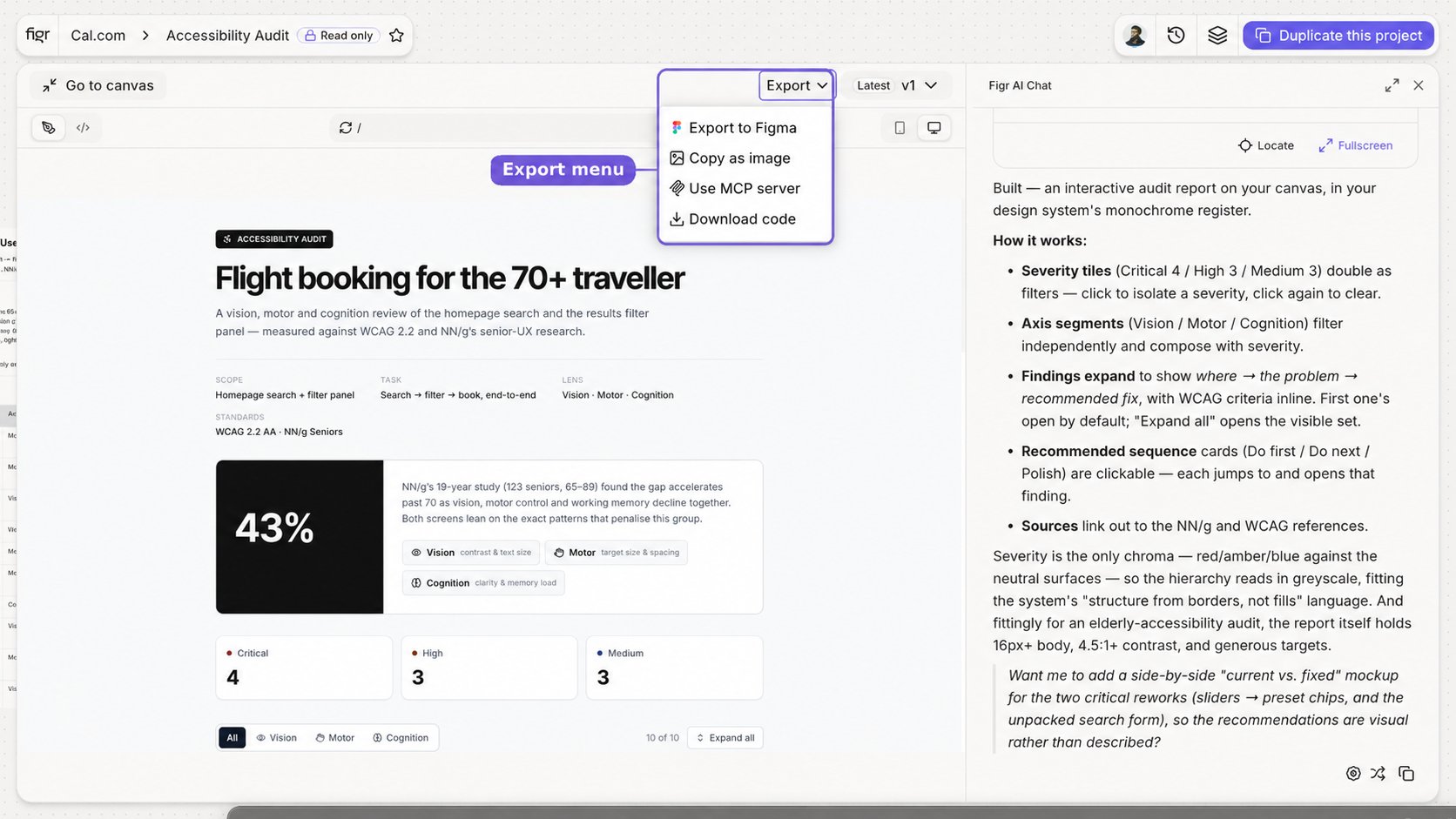

Full-screen prototype view with Export, version dropdown, device preview, and Go to Canvas
Related
Export to Figma
Continue a generated design in your team’s Figma workflow.
Publish and Share
Turn an artifact into a public page or share the full project.
Figr MCP
Let AI coding assistants read project context.
Canvas Overview
How the visual workspace fits together.