

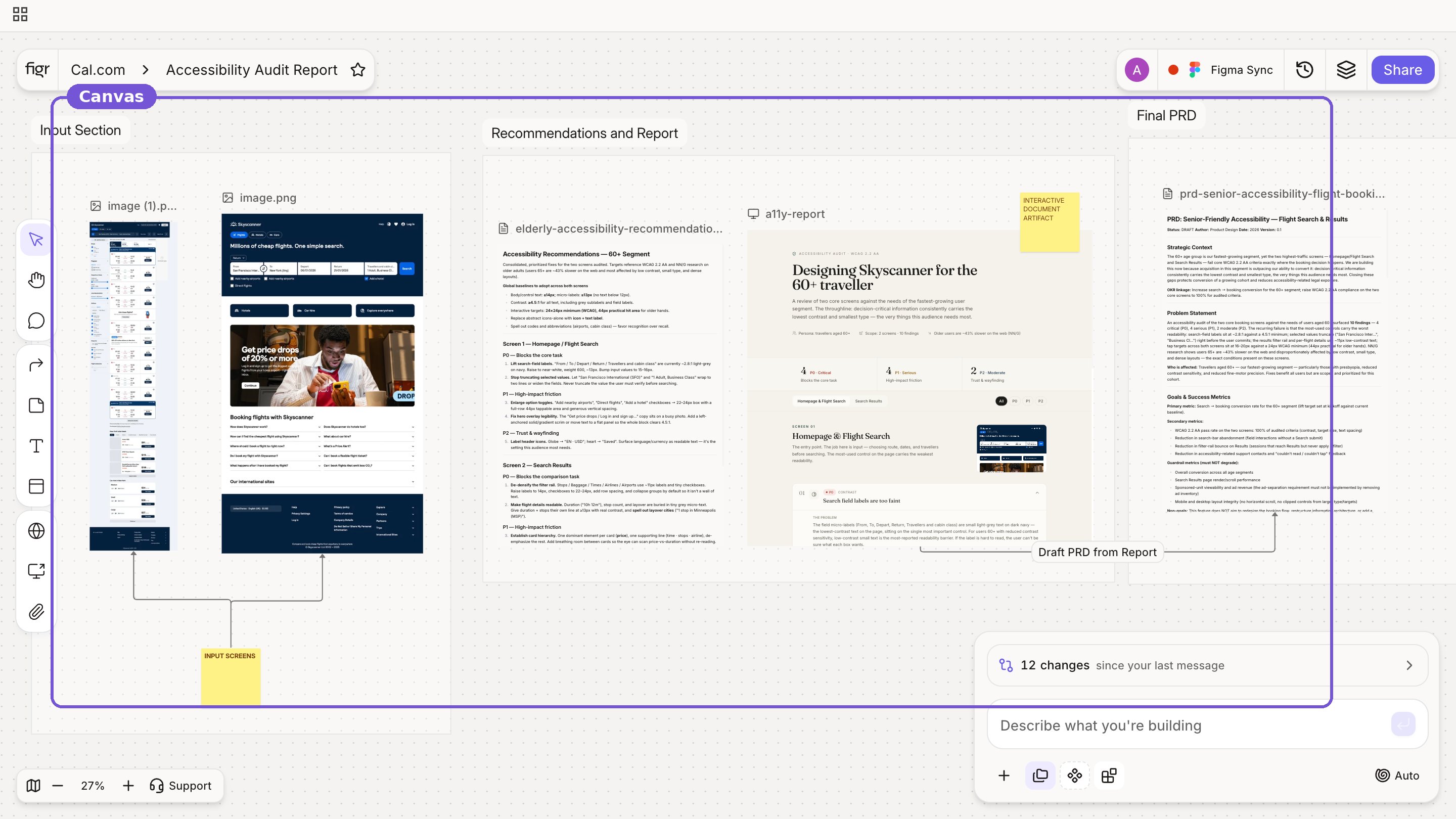
 On the canvas you can:
- Add screens and references
- Keep docs and prototypes side by side
- Annotate with notes and comments
- Reason from visible context, not just text
- Compare directions next to each other
- Interact with generated prototypes
- Track versions of any item
- Organize work into sections
- Collaborate with your team