

Copy as Image
Copy as Image copies a rendered output to your clipboard and shows a confirmation once it is copied. The copy is a PNG. Use it for Slack updates, internal docs, presentations, quick review, or a static snapshot.High-resolution image export
High-resolution export gives you polished static assets as a PNG download. Use it when you need polished static assets for decks, specs, stakeholder updates, product reviews, documentation, or async design critique.Download Code
You can download a node’s front-end output for implementation reference or prototyping.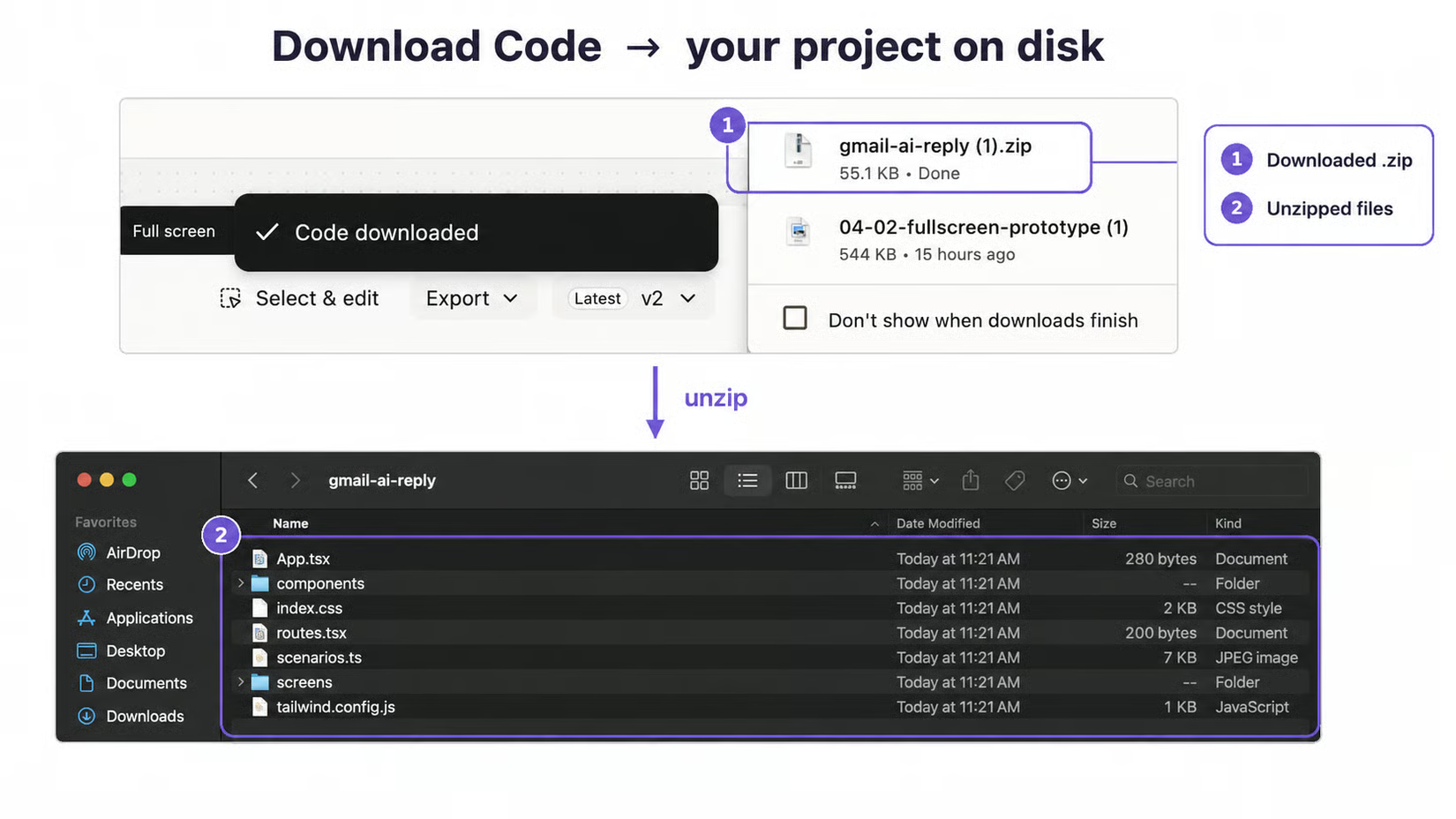

Download Code option