Figr doesn’t just generate screens. It reasons through your product’s UX, then designs interfaces that match what you have built.
Most AI design tools work like autocomplete: prompt in, screen out. Figr works like a senior designer who already knows your flows, constraints, and design system.
Other tools start from a blank prompt every time, so you re-explain everything and hope the model gets it. Give Figr your real inputs and it designs from them:
Product specs, so Figr knows your user personas
A screen share of your app, so Figr learns your navigation patterns
Your design tokens, so Figr uses your real color palette
Traditional AI takes “generate a login form” at face value. Figr reads it as “a login form for a B2B SaaS product with enterprise SSO, matching your dashboard’s navigation, your checkout flow’s error handling, and the progressive disclosure from your research.”
1
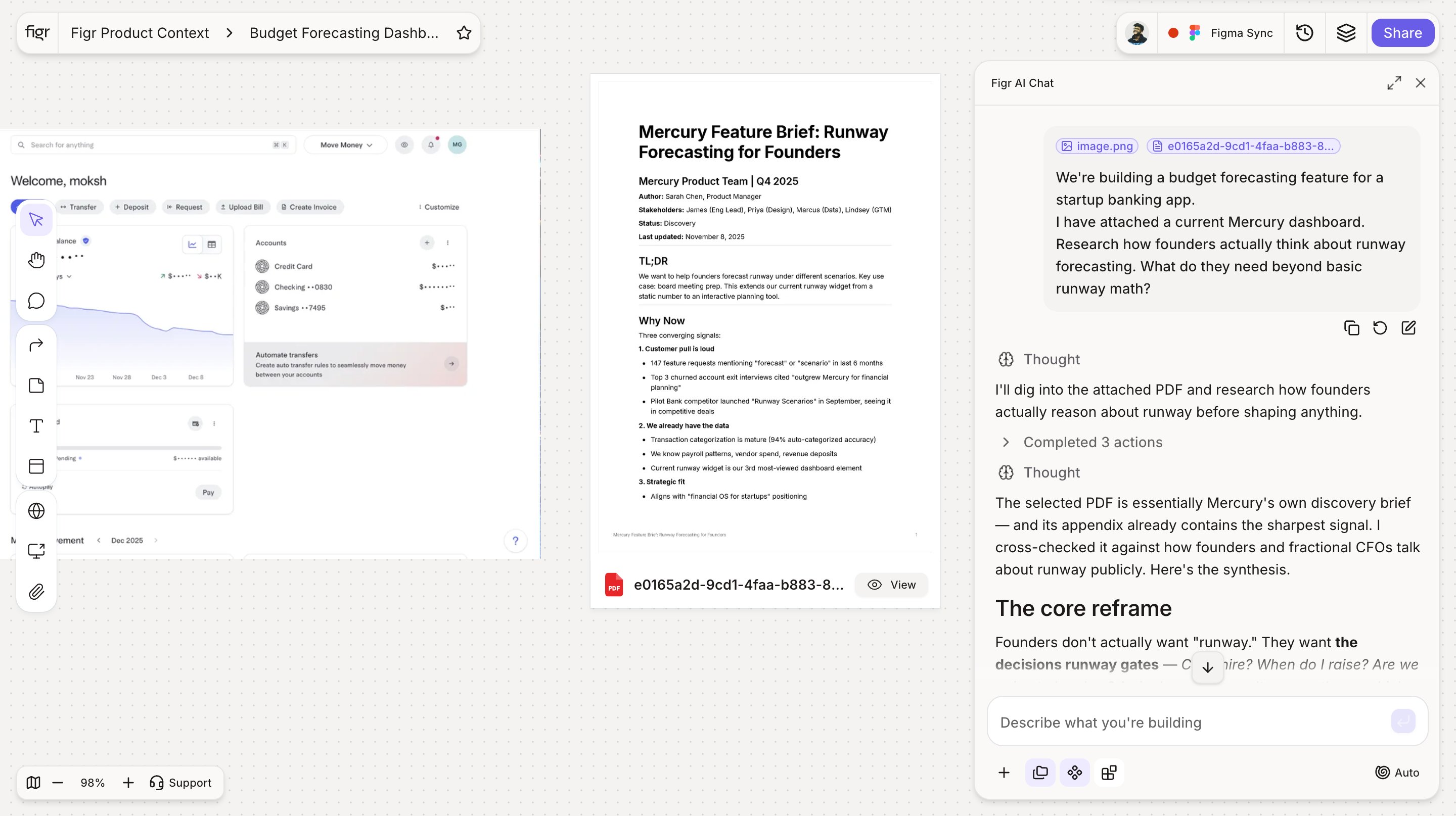
Understands your product
Analyzes your product, design system, research, and business context.
Figr reading your product context before it designs.
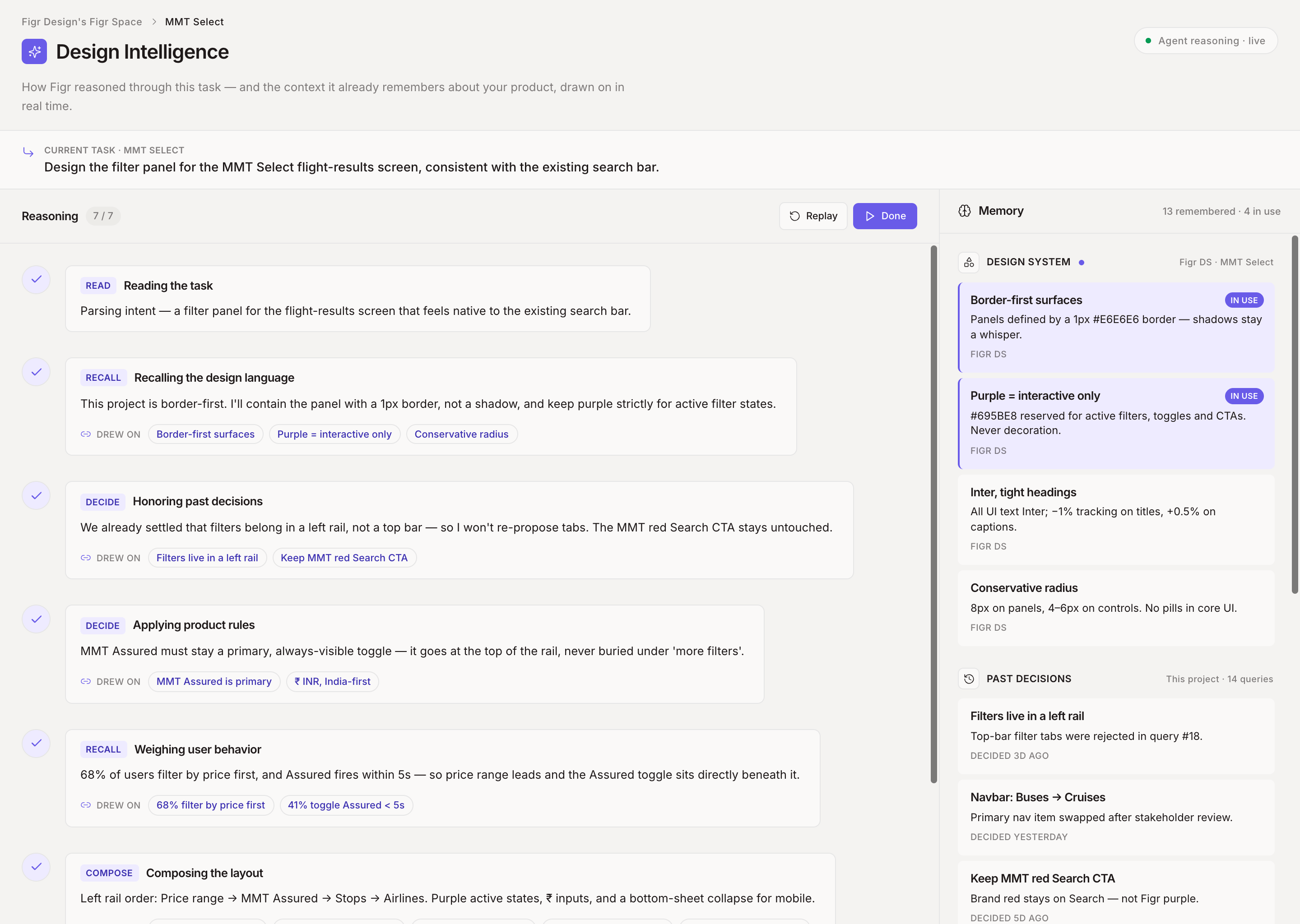
2
Applies your context
Ties every design decision to your constraints, users, and goals.
Each decision tied to a specific constraint or user need.
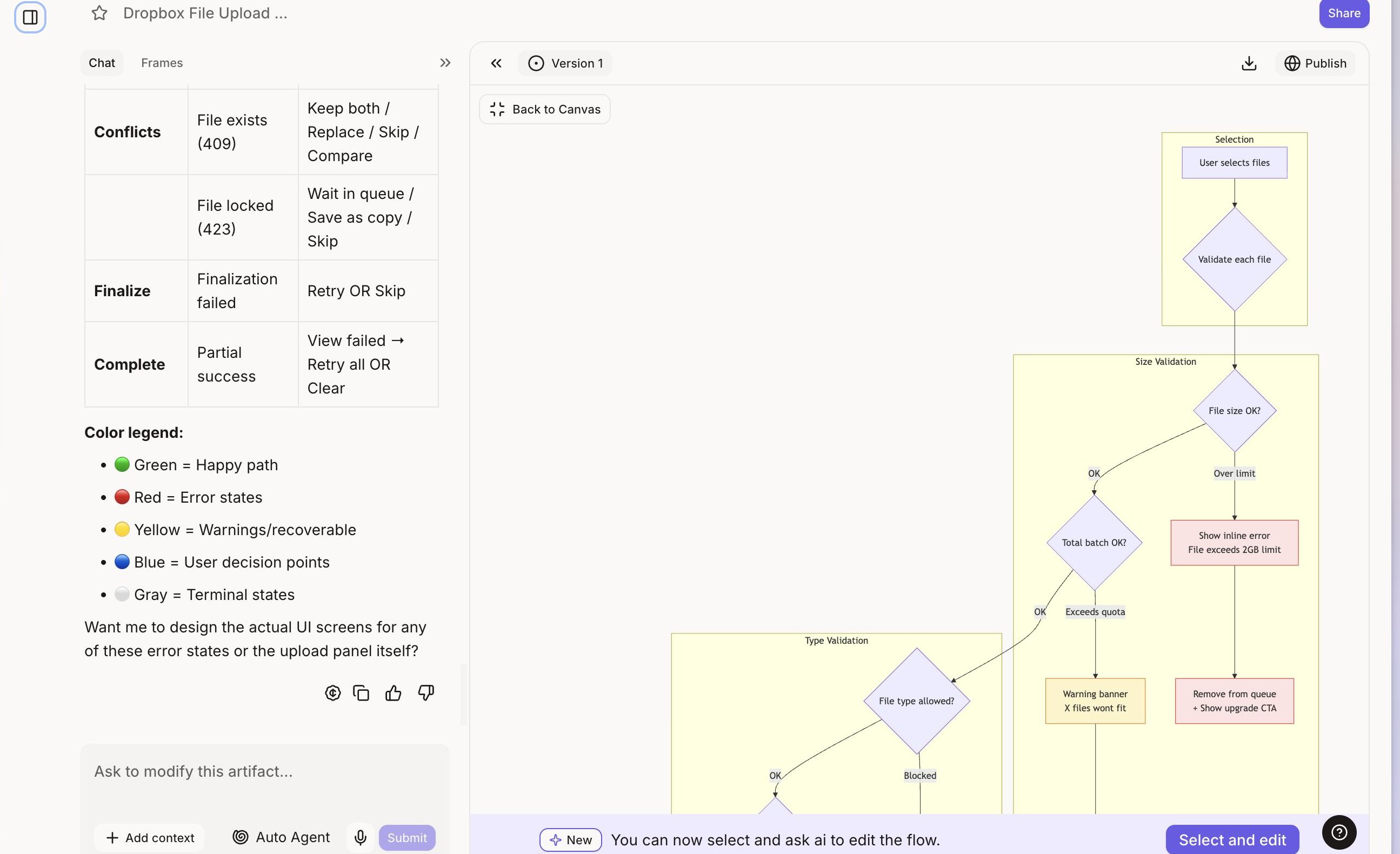
3
Produces production-ready designs
Outputs your components and tokens, so handoff is seamless.
A generated screen built from your components and tokens.
4
Learns and improves
Remembers what works and applies it to future designs.
Show Figr your product once and it learns your information architecture, interaction patterns, error states, and flows. No PRD required. It picks up how your navigation actually works, where users get stuck, the patterns you have already set, and the edge cases hiding in your flows.