

-1.png?fit=max&auto=format&n=9R6ZCMMA1ZL6O6WC&q=85&s=14d4dbb63cafbc98cda537273a0b968f)

What product-aware design looks like: output that fits your existing product.
Context Pod
Your product knowledge graph: recordings, docs, links, specs, and design system.
Design Language
Components, patterns, typography, spacing, and your product’s visual rules.
Infinite Canvas
Screens, flows, reviews, prototypes, and iterations in one workspace.
Why the combination matters
A Context Pod tells Figr what your product is and what you are building. Your Design Language tells it how the product looks and behaves. The Canvas is where you brainstorm, review and refine. The result is design grounded in your product, not a generic guess..png?fit=max&auto=format&n=B-CZDullpzC9Nrue&q=85&s=66adbf38d3003e563d7c30e35dfb32e7)

Figr learns your product before it generates any UI.
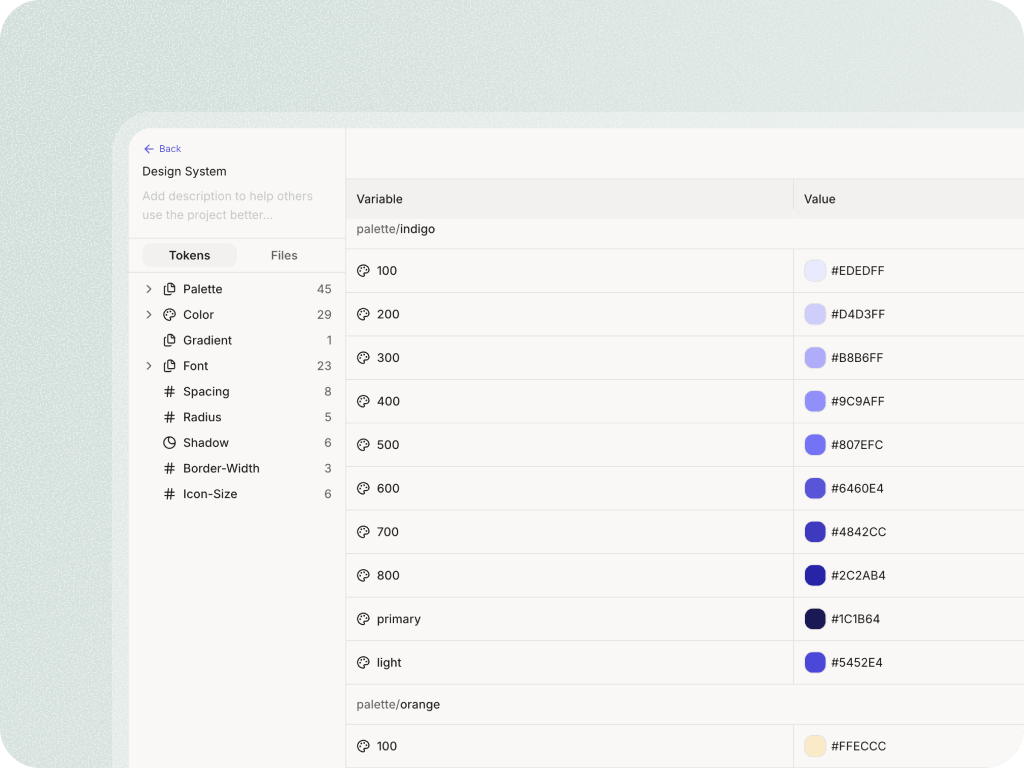

Output stays inside your existing design system.
Next
Set up a Context Pod
The most important setup step, reused across every project.
See the workflow
How context becomes flows, artifacts, and a finished design.