

Comments let your team discuss a design in context. Pin a comment to a screen or element, mention a teammate, and resolve the thread once it’s handled, so feedback doesn’t get lost in chat or email.
1
Add a comment
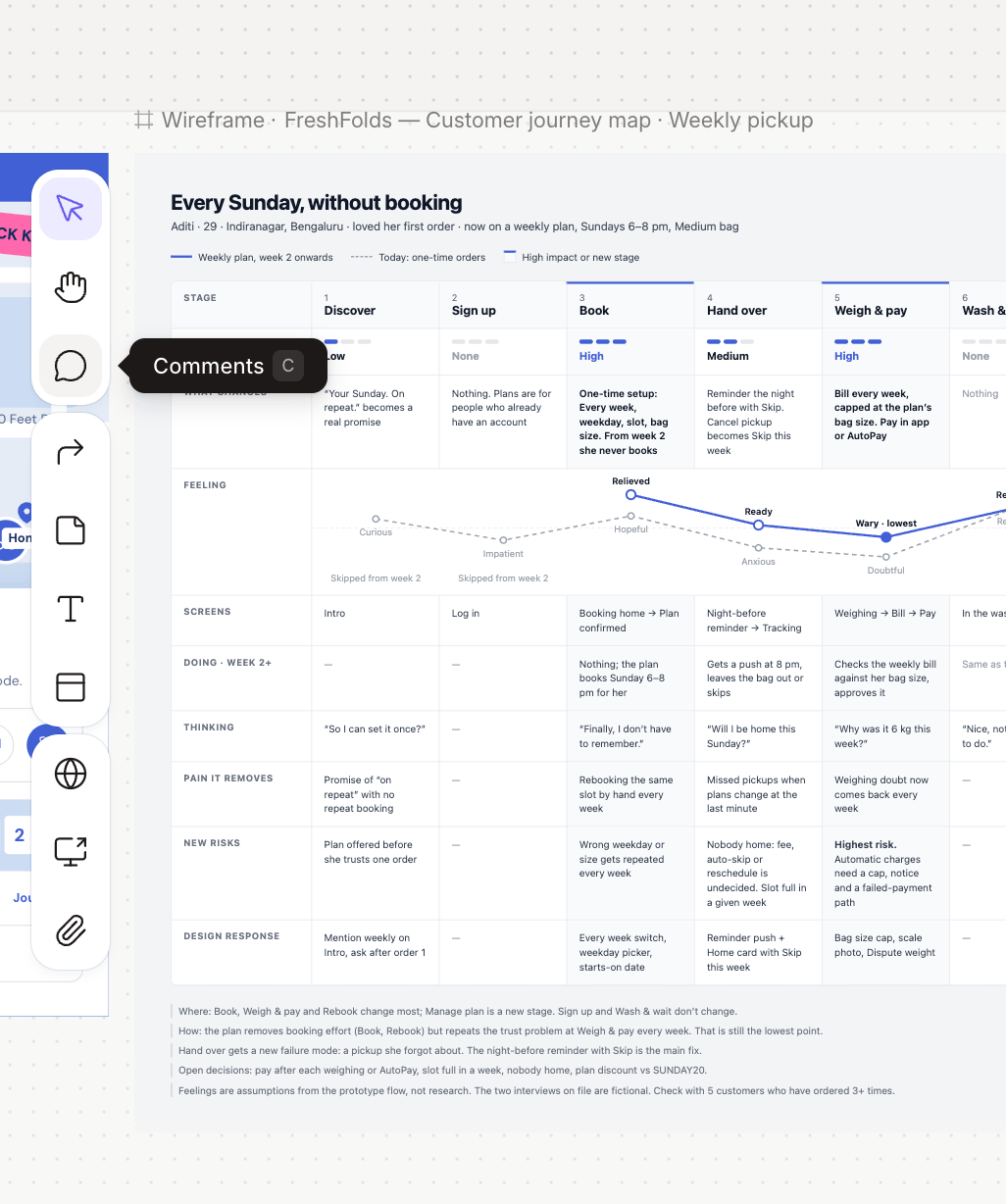
Choose the comment tool in the left toolbar and click the spot on the canvas you want to talk about. Comments are for your team: Figr doesn’t use them in its responses. To guide Figr, use a sticky note instead.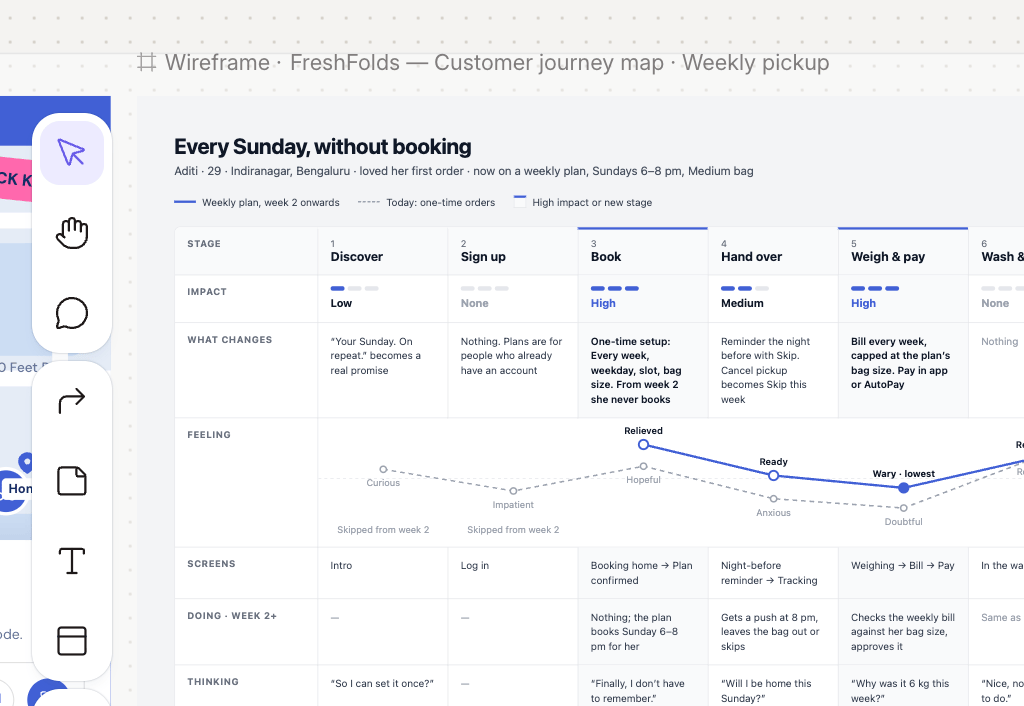
2
Write your feedback
Type your comment and mention a teammate with @ to notify them.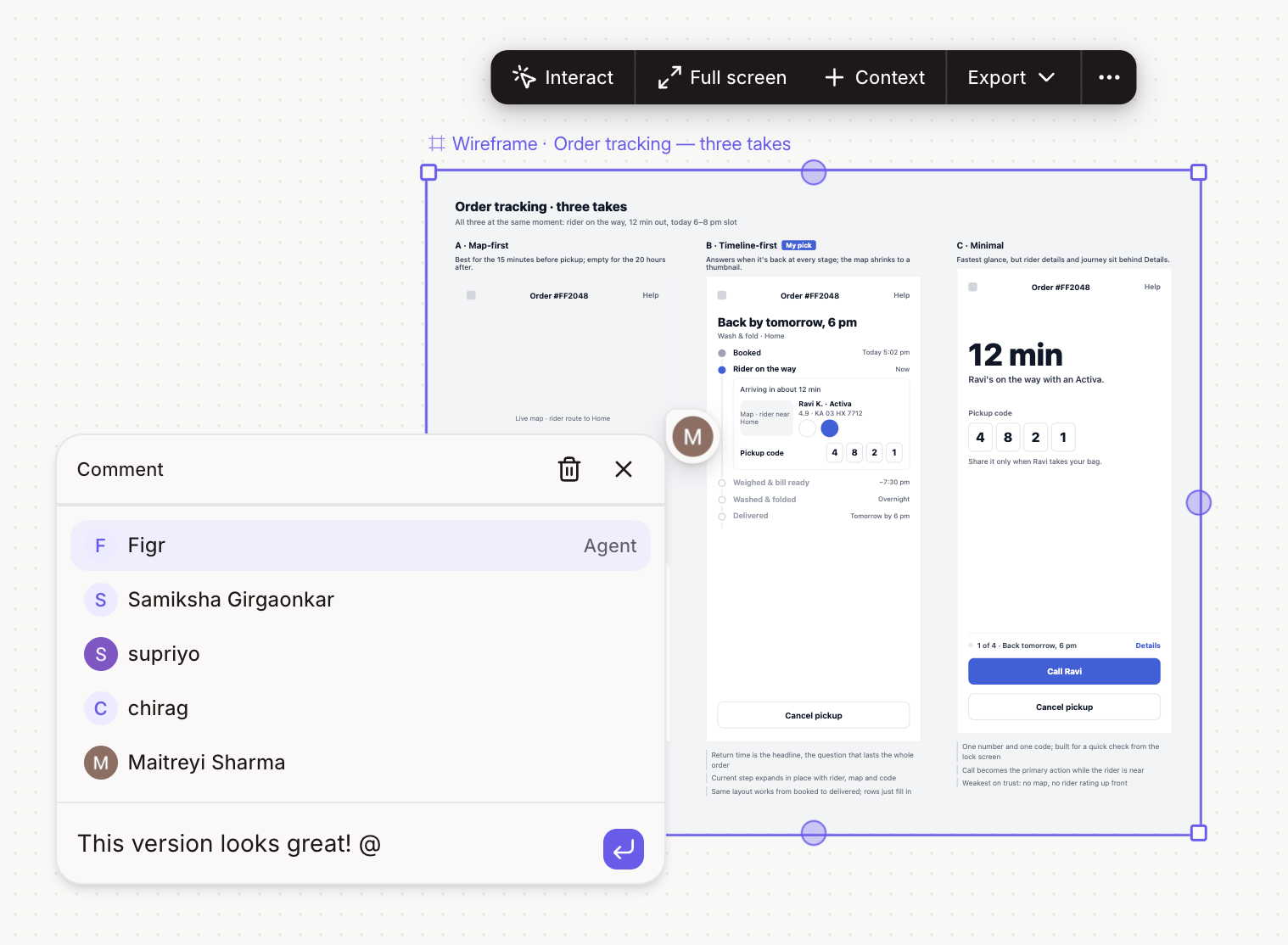
3
Reply in the thread
Open a comment to see the conversation and add your reply.
4
Resolve it when it's done
Mark the comment as resolved once the change is made. Resolved comments are hidden from the canvas but stay in the thread history.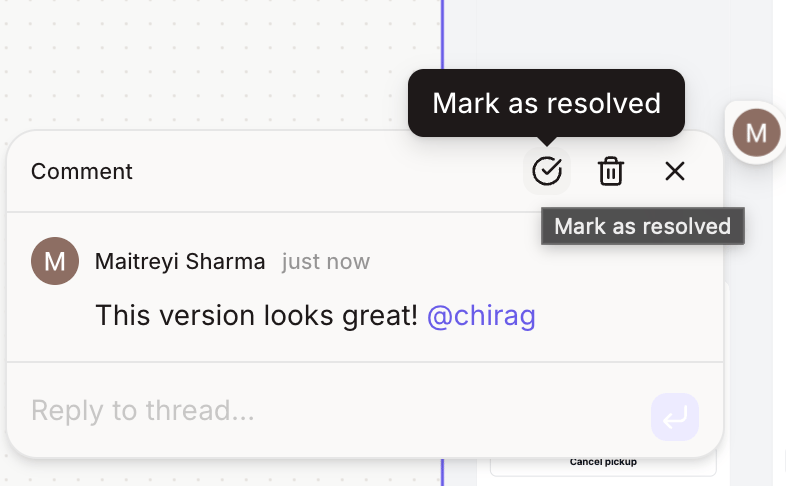
Reviewers outside your workspace? People who open a shared project link can comment and reply once they sign in. Only workspace members can resolve or delete threads.