

1
Start a new design system
Open Design System in the sidebar and create a new one.
2
Choose brand assets as a source
Under Sources, choose Brand assets.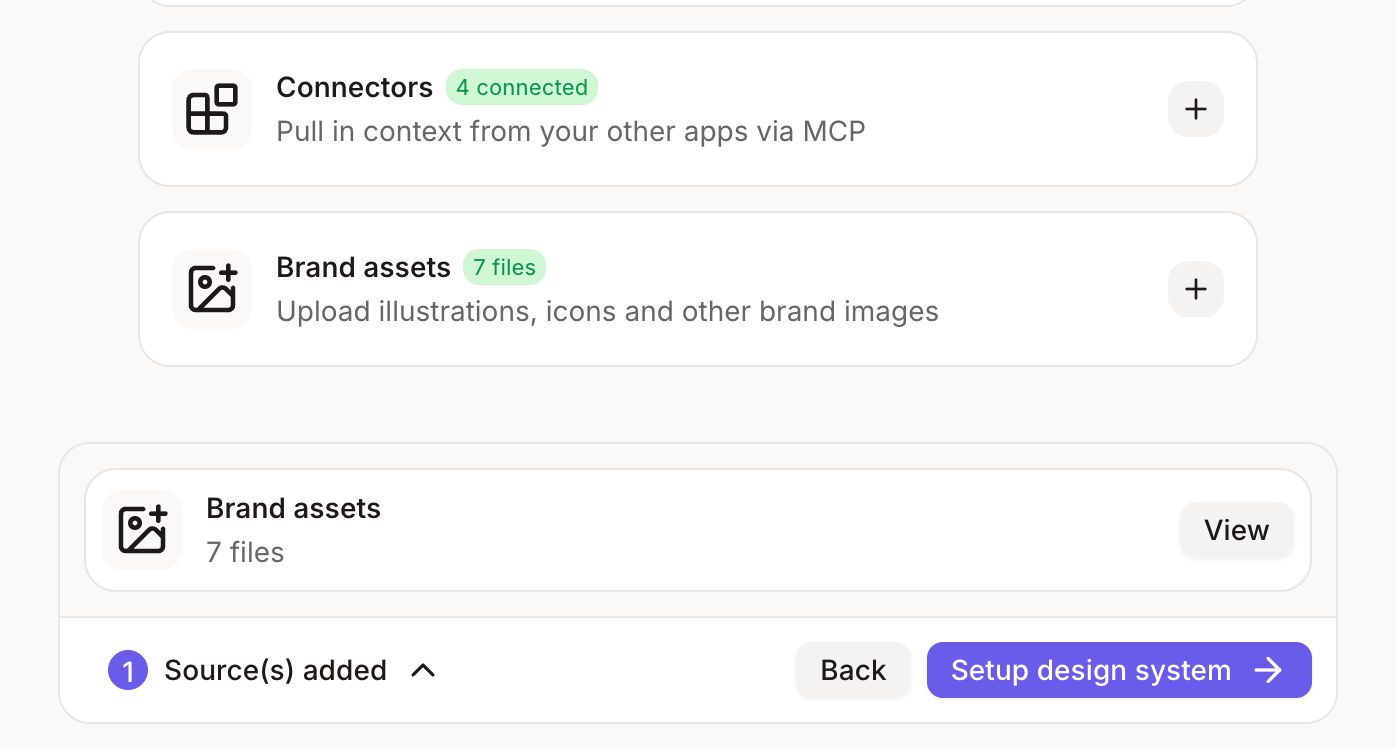
3
Upload what you have
Add your logo, brand colours, fonts, icons and a few screenshots of your product or site. Add a short note for any rules, like “Use our primary blue only for buttons.”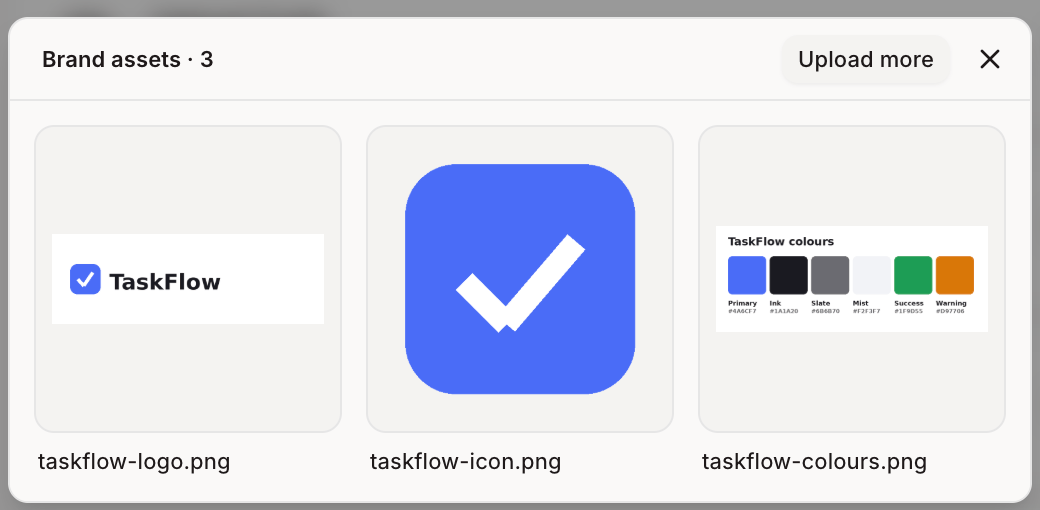
4
Set it up
Click Setup design system. Figr reads your assets and builds a design system you can use right away.
Even quicker: if you don’t attach a design system at all, Figr can pick up your brand colours and type from your website automatically.