

1
Start a new chat
Open a new chat from the chat panel. Your existing chats stay as they are.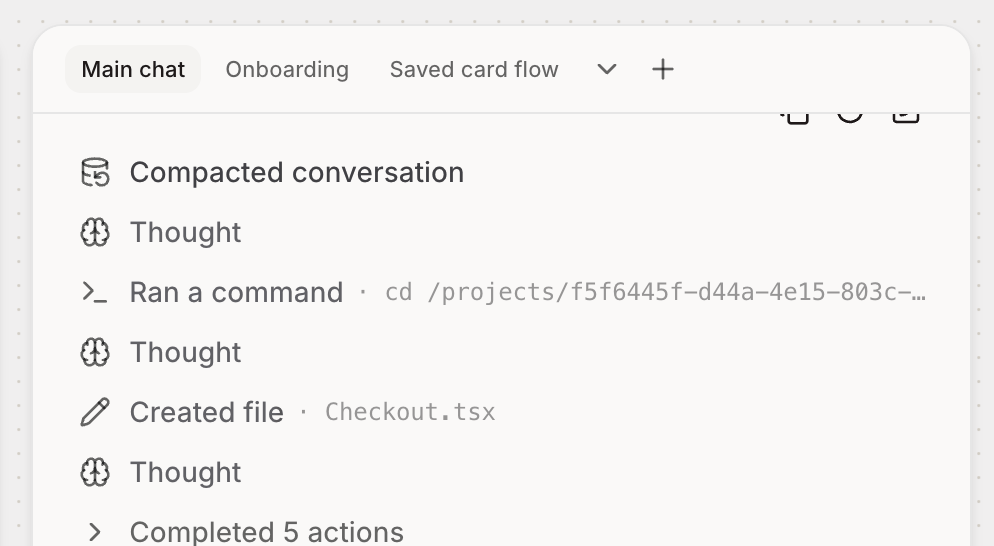
2
Give it one job
Use each chat for a single task. For example, one chat for the onboarding flow and another for the settings page.
3
Switch between chats
Pick a chat from the list to pick up where you left off. Each chat remembers its own conversation.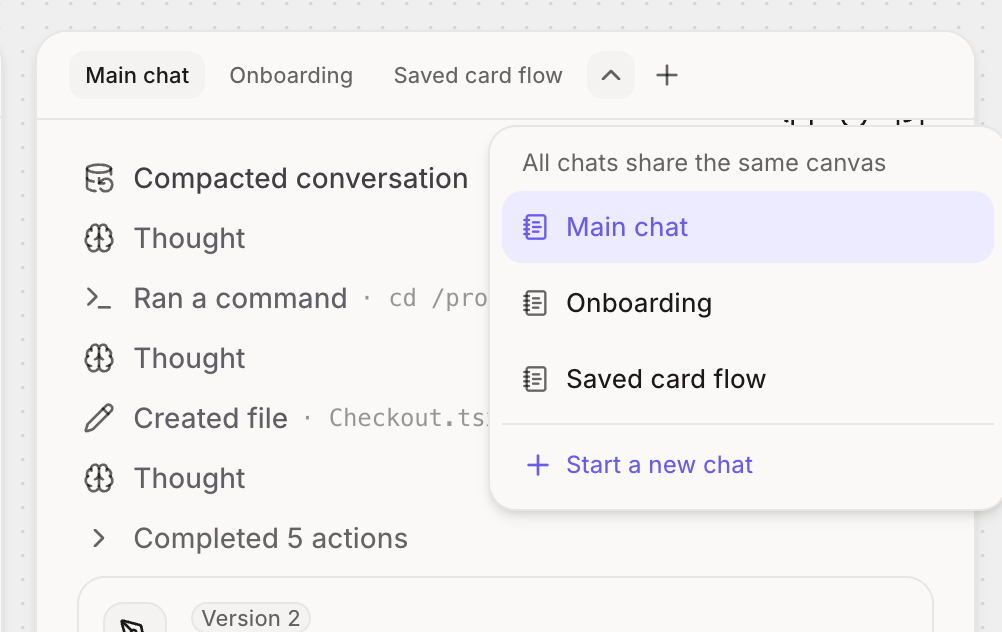
4
See everything on one canvas
Screens, flows and docs from every chat appear on the same canvas, so you can compare them side by side.
Want to try a different direction? Duplicate the chat from any message. The original stays as it is, so you can explore without losing your work.