

Figr turns a flow, prototype or PRD into test cases your QA team can use. Each case covers what to do, what should happen, and which edge cases to check, so testing starts from the design instead of guesswork.
1
Pick what to test
Select a flow, prototype or PRD on your canvas.
2
Attach your Context Pod
Select your pod in the chat so the test cases follow your product’s real rules and roles.
3
Ask Figr for test cases
For example: “Write test cases for this sign-up flow, including edge cases.”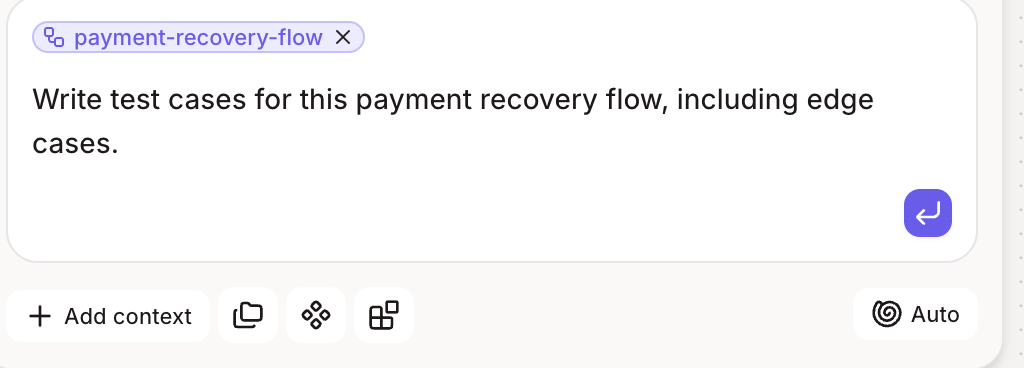
4
Review the test cases
Figr lists each case with steps and the expected result. Remove what’s out of scope and add anything specific to your setup.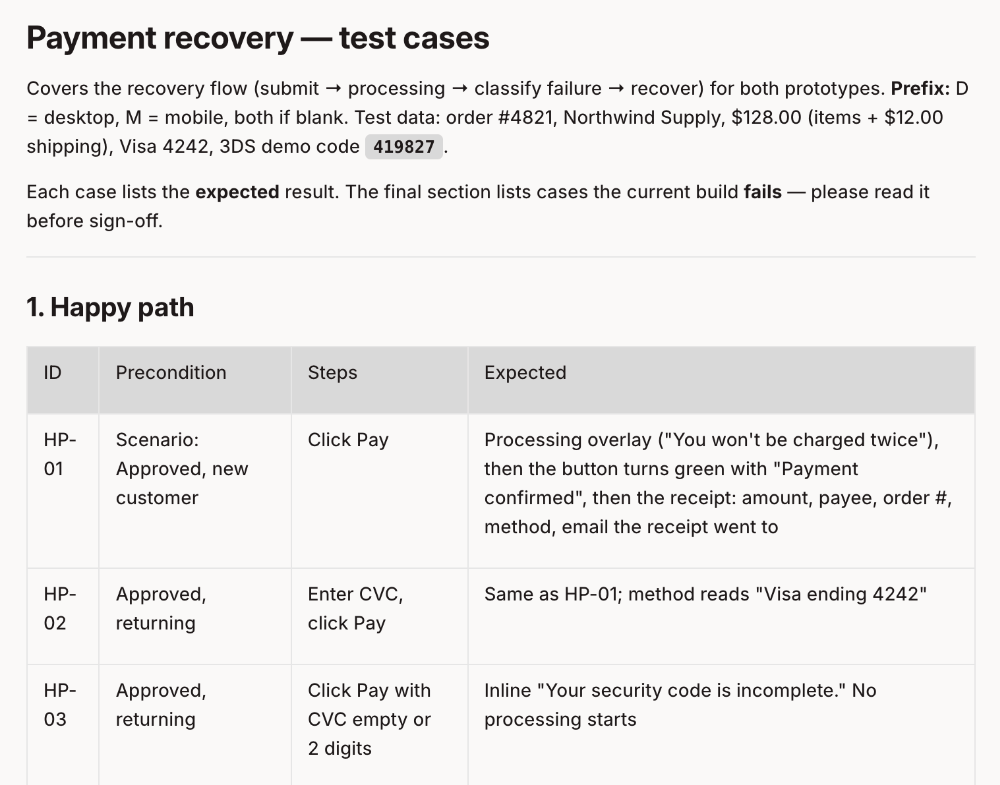
5
Hand them to QA
Share the test cases with your team, or copy them into your testing tool.