

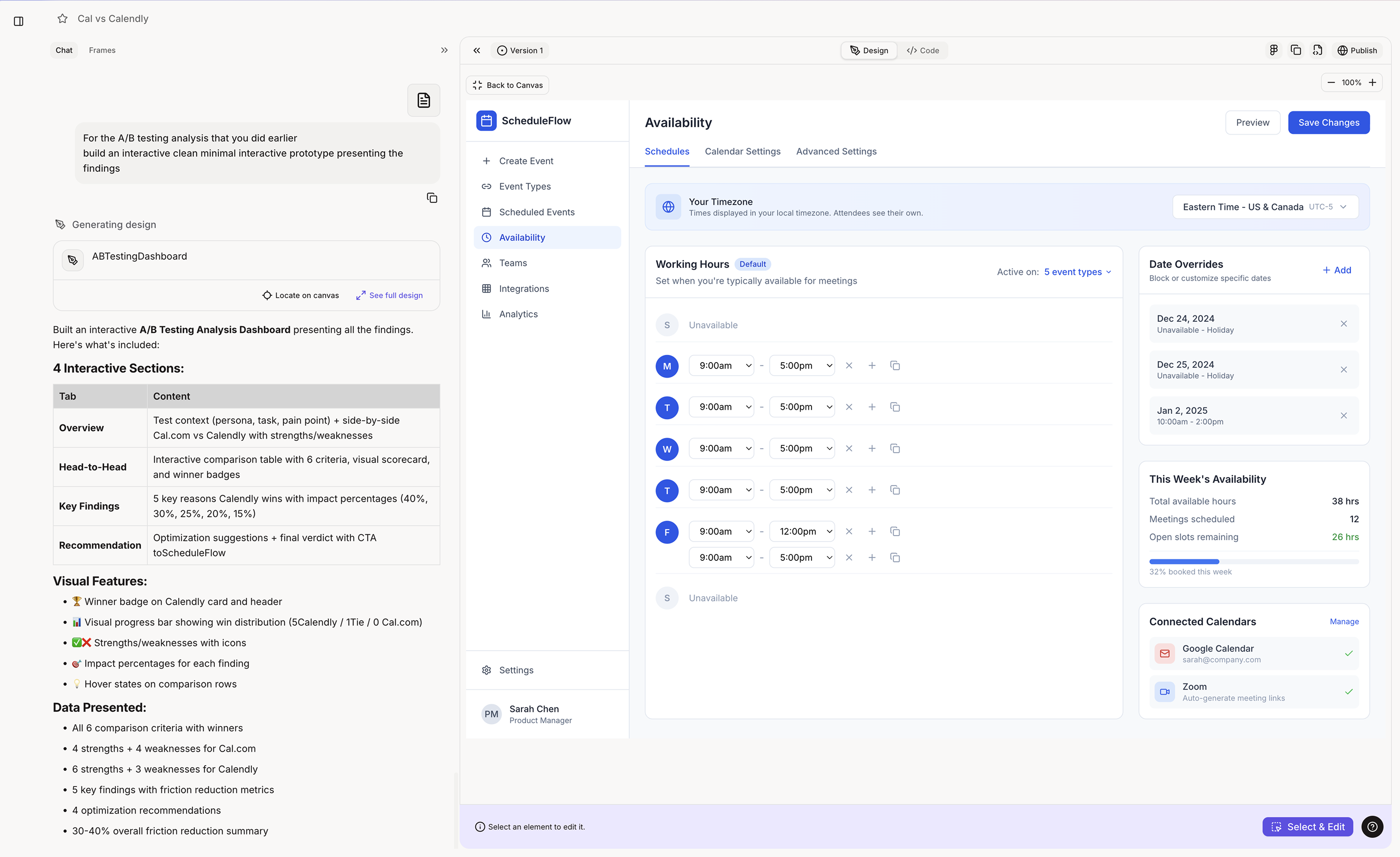
 Real high-fidelity prototypes built with Figr, each in the product’s own design system:
Linear
A “Since You Left” digest.
X
A feed soft-mute control.
Gmail
An AI draft with tone control.
- The product problem is clear
- The key flow is mapped
- Important states are known
- Product context is available
- Design language is added
- Your team needs a visual direction to review Good prototype prompts:
- “Design a customer success dashboard showing account health, open risks, upcoming renewals, and expansion opportunities. Use the attached design system and product context.”
- “Generate a billing settings page with plan details, invoices, payment method, and team usage. Follow the existing settings layout and component patterns.”
- “Create the empty, loading, and error states for this activity feed using the current product design language.”