

1
Open the project and click Share
Go to the project you want to share and click Share in the top-right corner.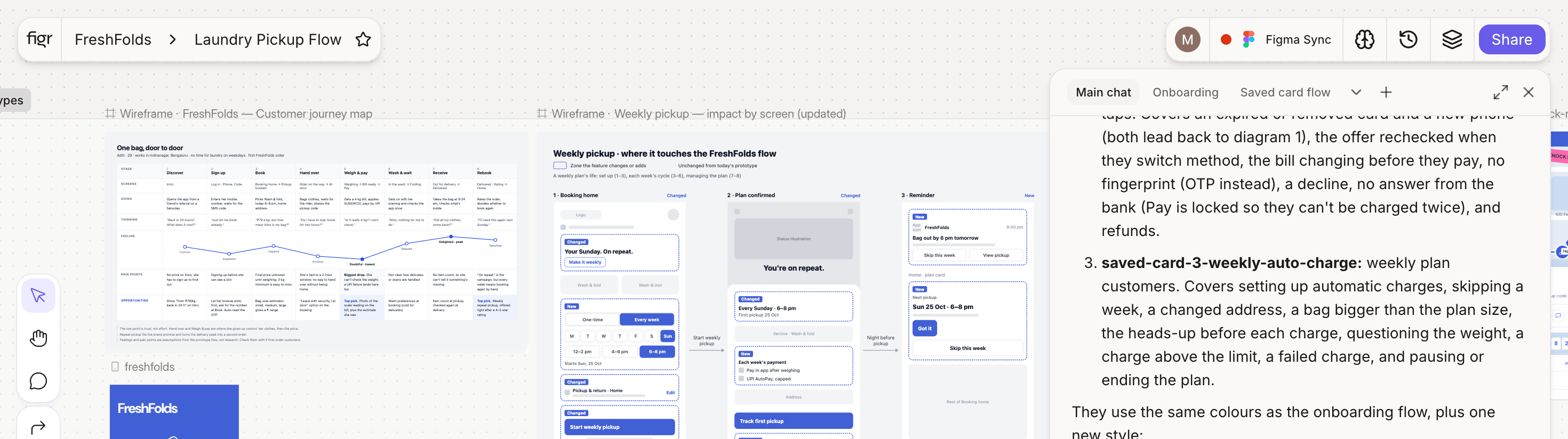
2
Invite people
Enter your teammates’ emails and choose what they can do: Can view or Can edit.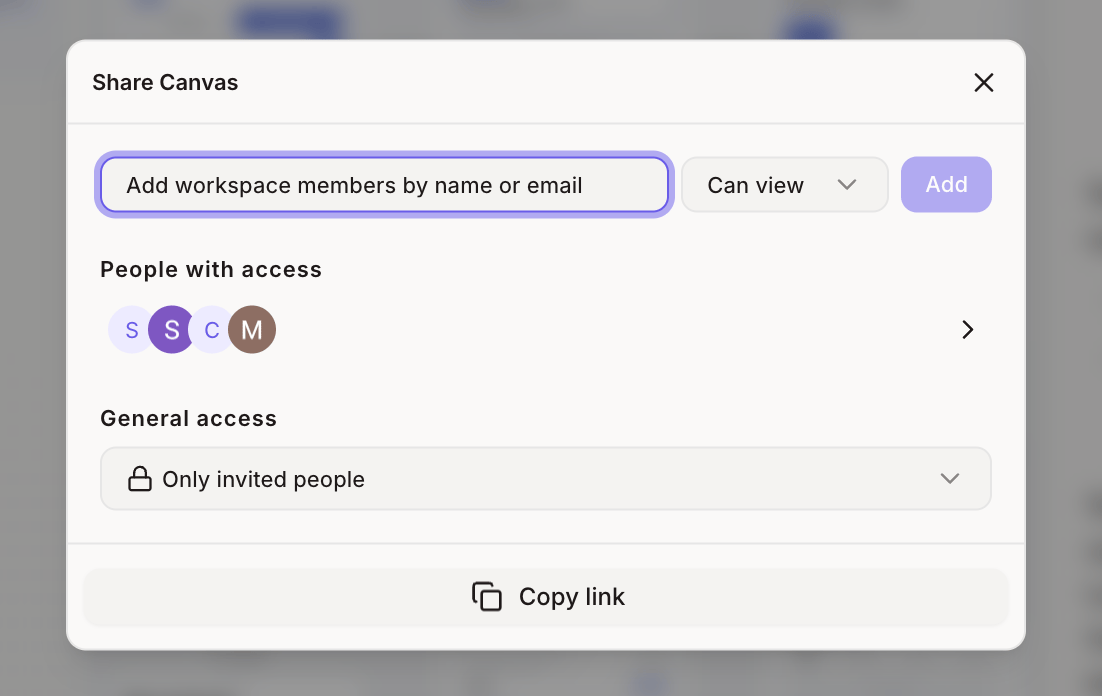
3
Send the invite
Teammates get an email with a link to the project. Anyone already in your workspace can also find it in their project list.
Choose who can open it
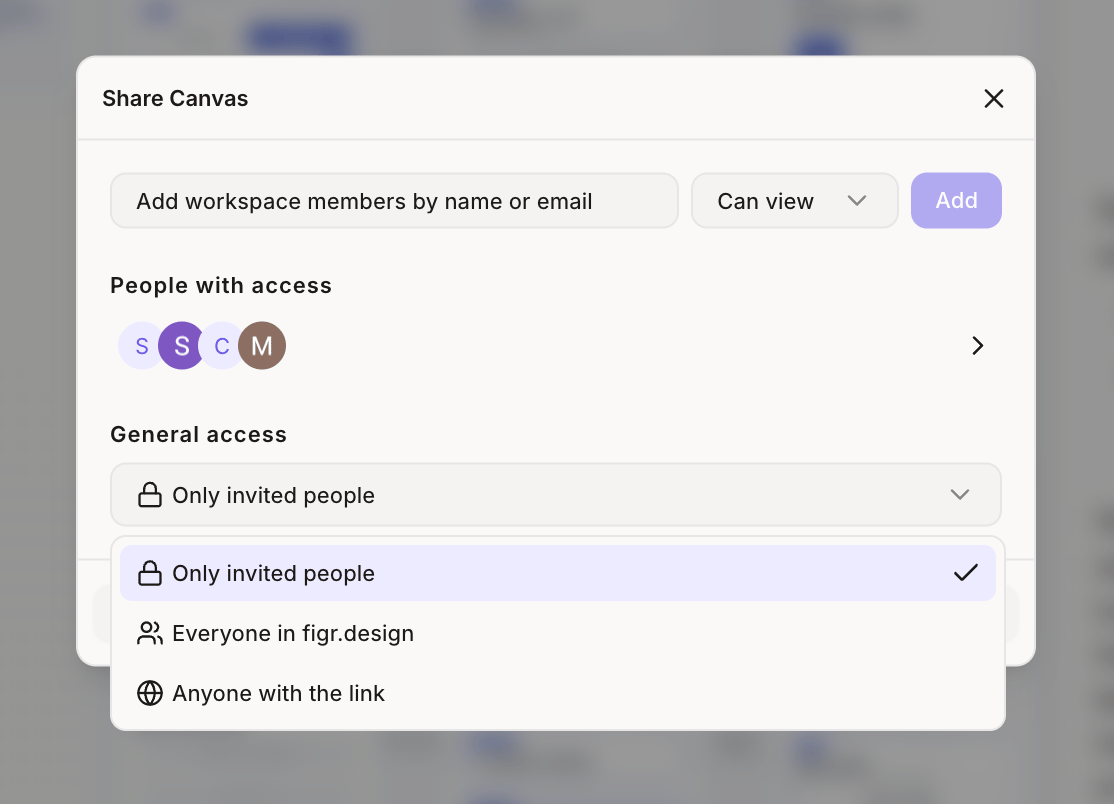
Reviewers outside your workspace? People who open a shared project link can comment and reply once they sign in, without joining your workspace. Only workspace members can resolve or delete comment threads.