

1
Pick the message to branch from
Find the message you want to start from and choose Duplicate from here.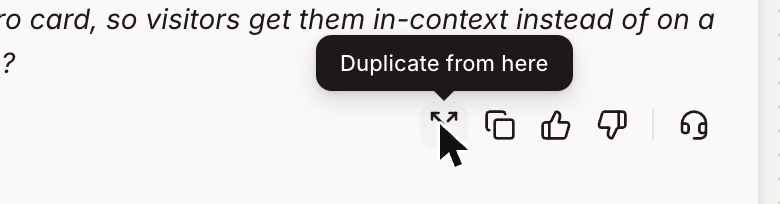
2
Choose how to duplicate
Figr asks what you want to copy: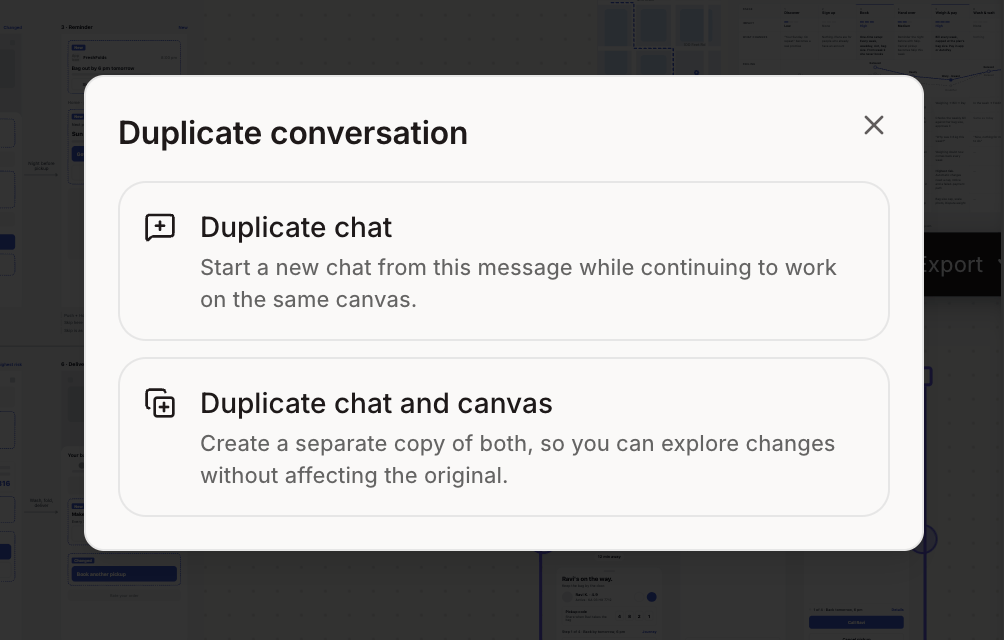
- Duplicate chat starts a new chat from that message on the same canvas. Use it to try a different prompt or direction while everything you create still lands next to your existing work.
- Duplicate chat and canvas creates a separate copy of both. Use it to explore bigger changes without affecting the original.
3
Continue in the new chat
Pick up from that message and ask Figr for the changes you want to try.