1
Connect Figma
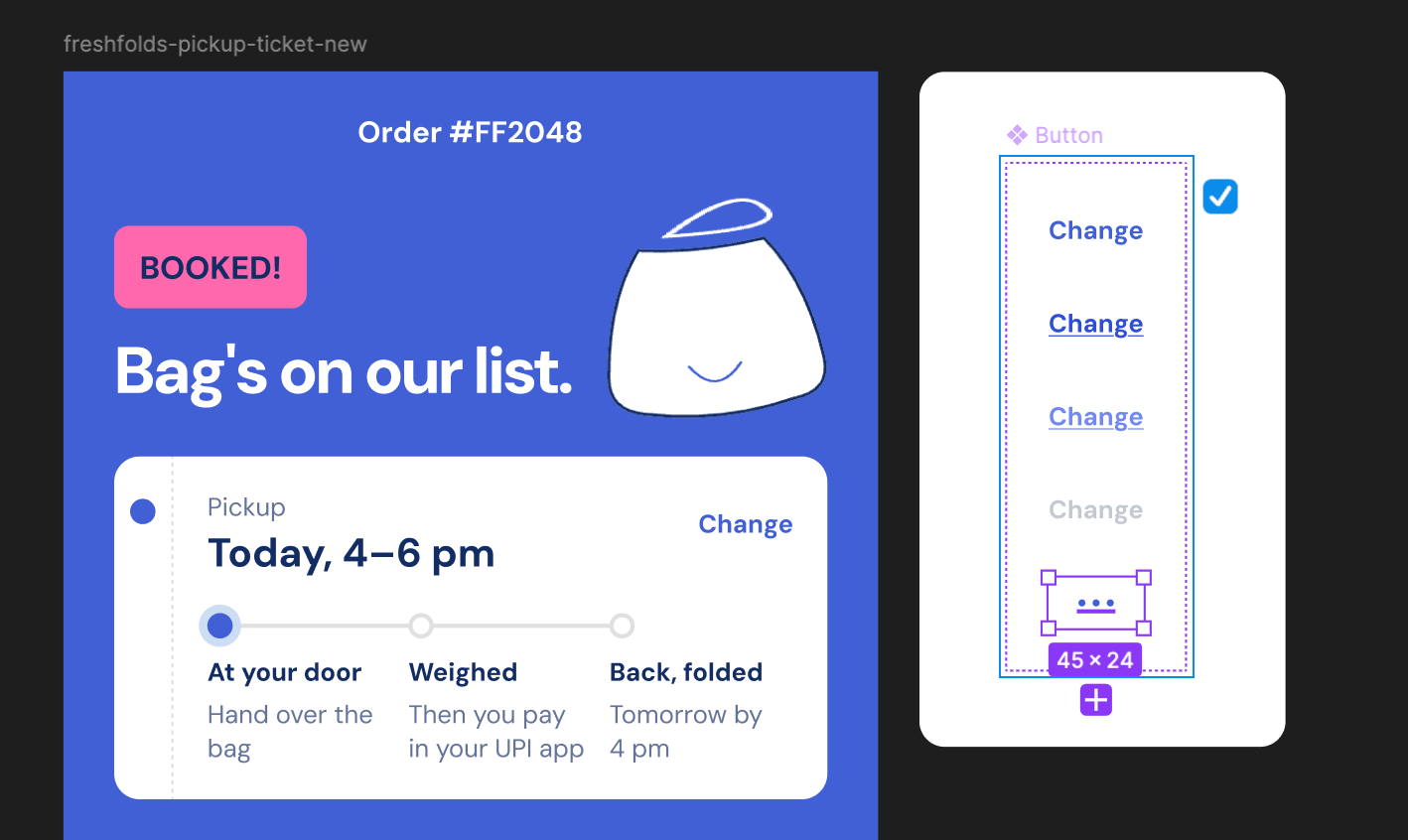
Click Figma Sync in the top-right nav bar and connect the Figr AI Figma Sync plugin to your design system file.
2
Select the components to change
In Figma, select the components or frames you want Figr to update. They’re added to the chat box automatically.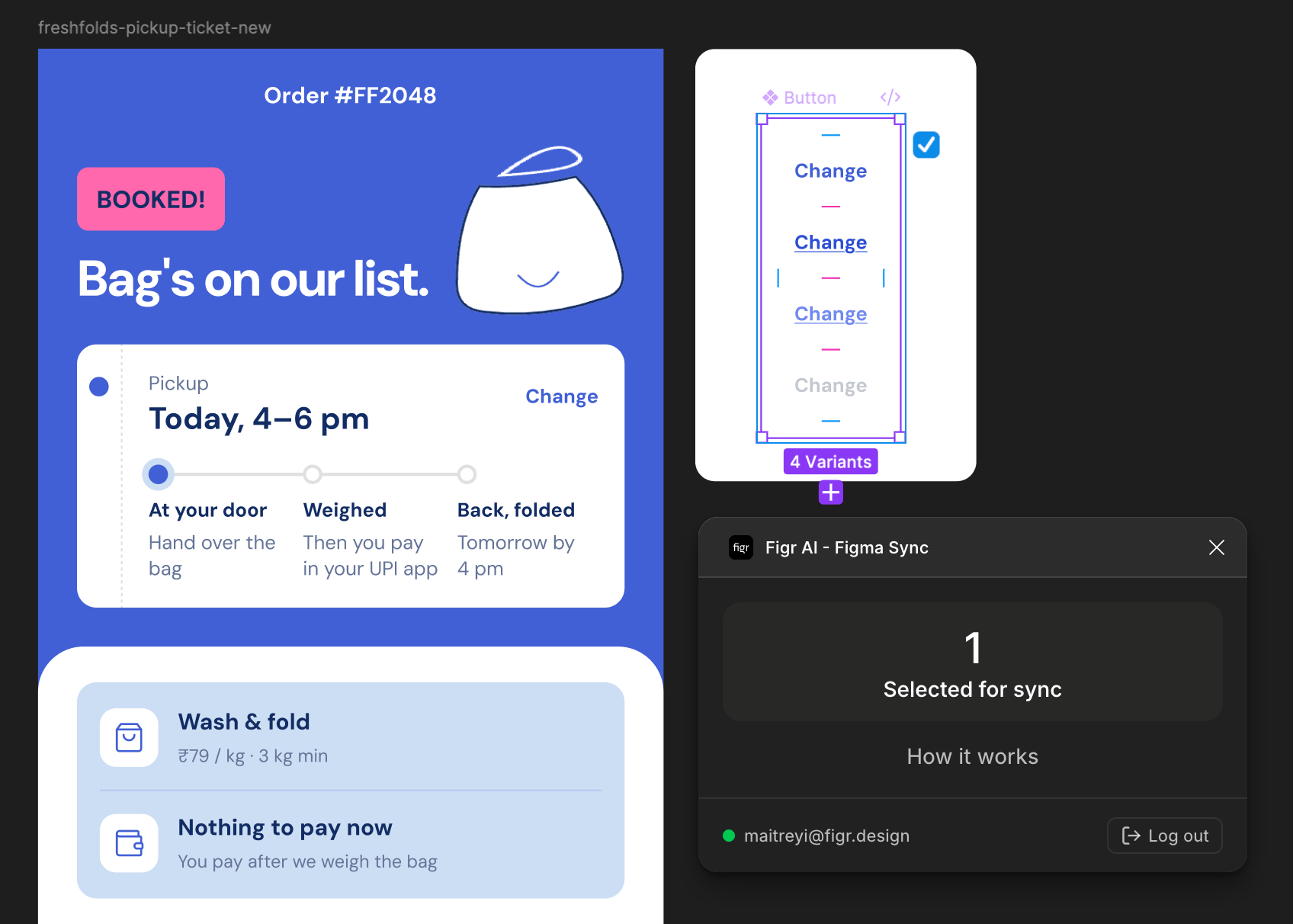
3
Describe the change
Tell Figr what to update, for example: “Add a loading state to the primary button, using our spinner icon and existing colour variables.”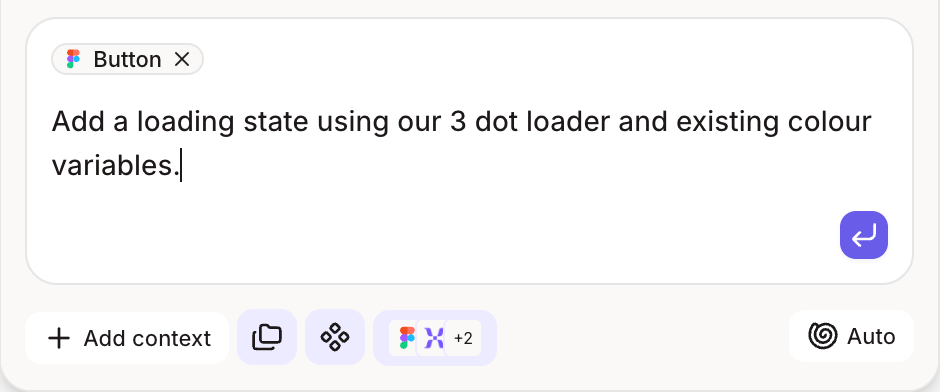
4
Check the result in Figma
Figr updates the components in your file and links them to your existing variables. Anything it can’t link stays a regular frame, with a note explaining why.