Point Figr at your Storybook, so it designs with the components your engineers already ship. If your components live in Storybook, that’s the most accurate picture of your design system: real components, real props and real states. Figr reads it, so what it designs maps to what your team can build.
1

Start a new design system

Open Design System in the sidebar and create a new one, or open an existing one to add a source.
2

Choose Storybook as a source

Under Sources, choose Storybook.
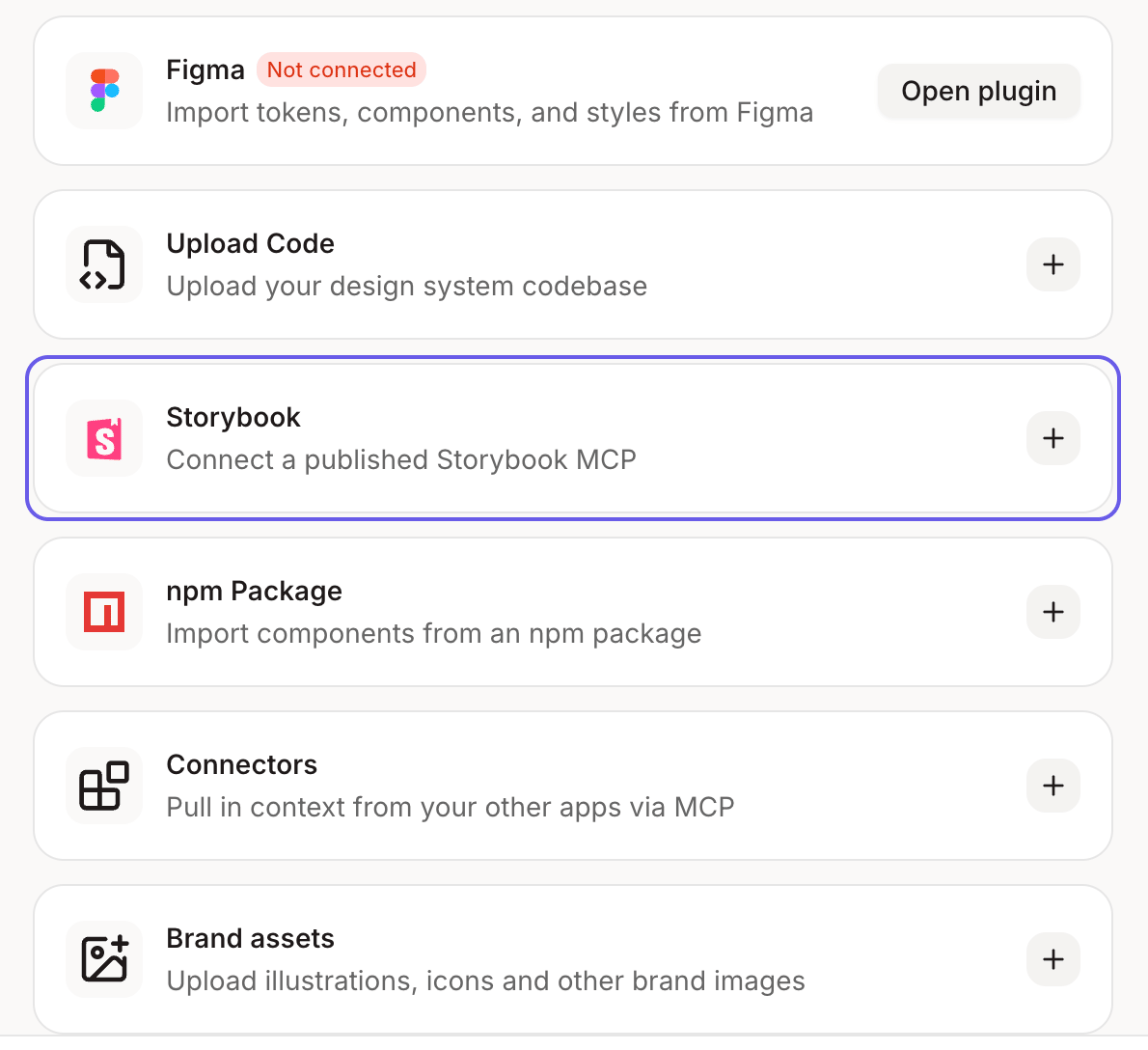
Sources list with Storybook selected
3

Add your Storybook link

Paste the URL of your published Storybook.
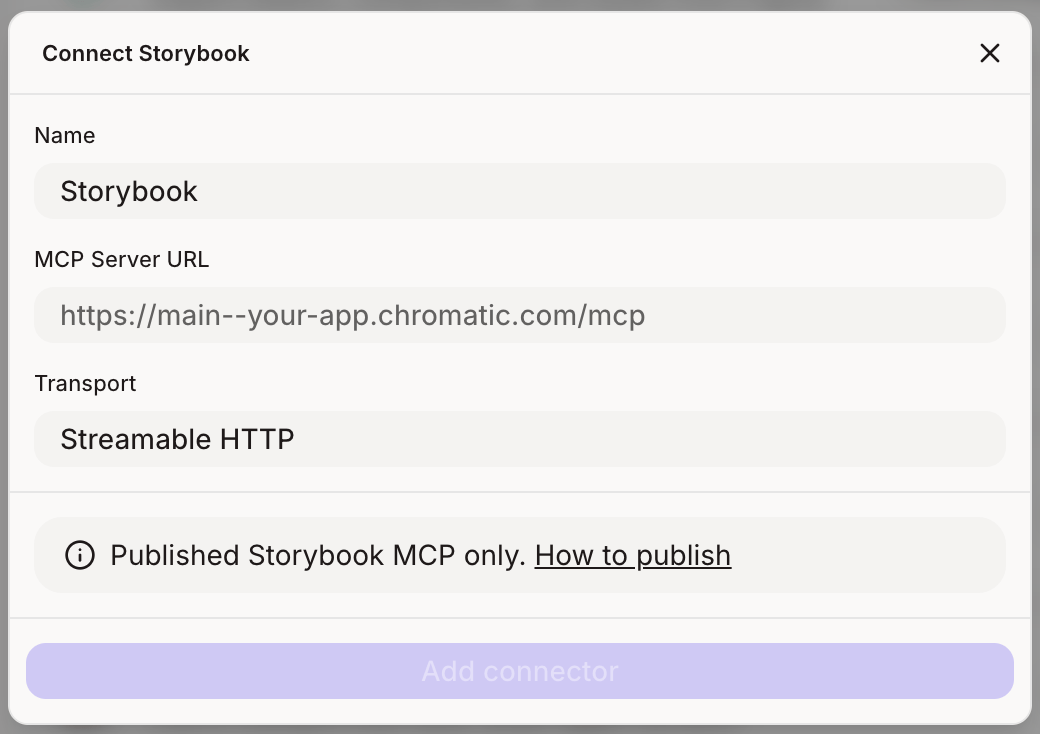
Connect Storybook dialog with the server URL field
Make sure each component has stories for its main variants and states, like default, hover, disabled and error. Figr can only use what your stories show.
4

Set it up

Click Setup design system. Figr reads your components, their variants and states, and adds them to your design system.