1
Open the design system picker
In the chat box, click the design system chip to see all the design systems you can use.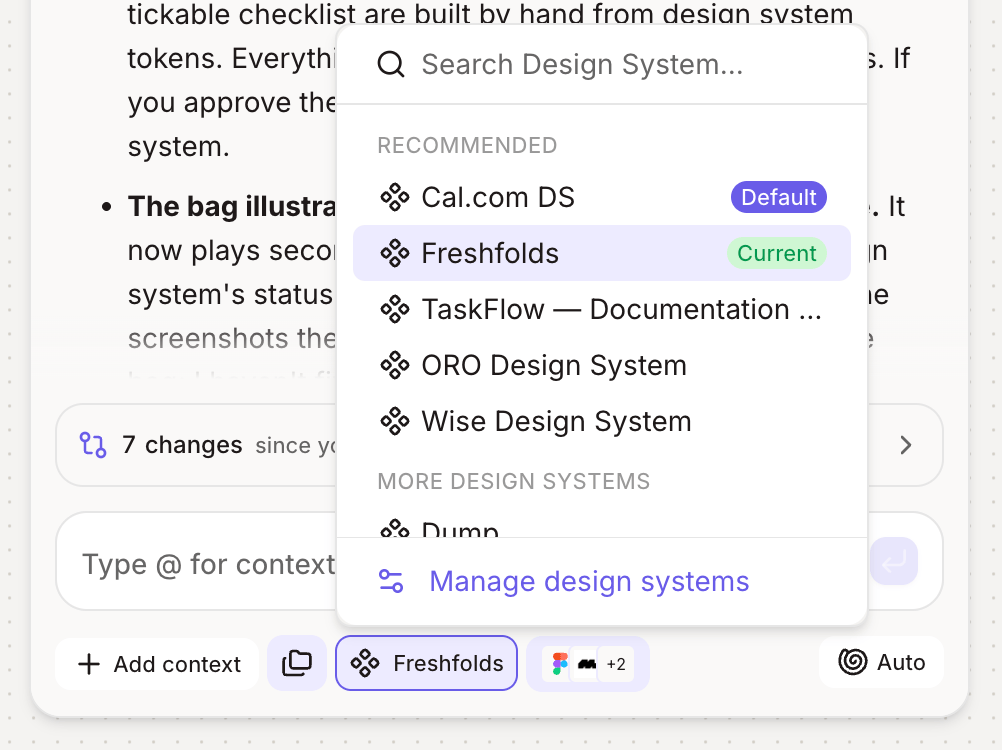
2
Find the one you want
Search by name. Your workspace’s default and most-used design systems are marked so they’re easy to spot.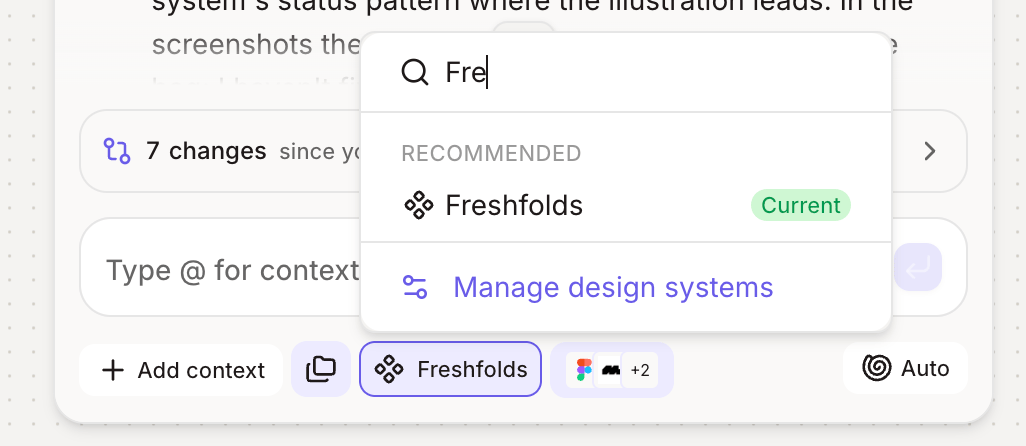
3
Select it
Click a design system to make it active. It shows as a chip above your message. Hover the chip to see its full name.
4
Send your message
Figr uses the selected design system for this message and the ones after it, until you switch again.
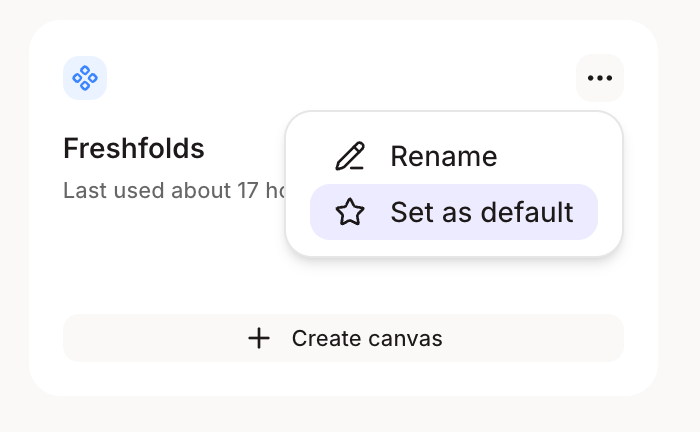
Set a default for your workspace
Admins can set a default design system that new projects attach automatically. If there’s no default, Figr recommends the most-used one in the picker.