

1
Start a new design system
Open Design System in the sidebar and create a new one, or open an existing one to add a source.
2
Choose npm package as a source
Under Sources, choose npm package.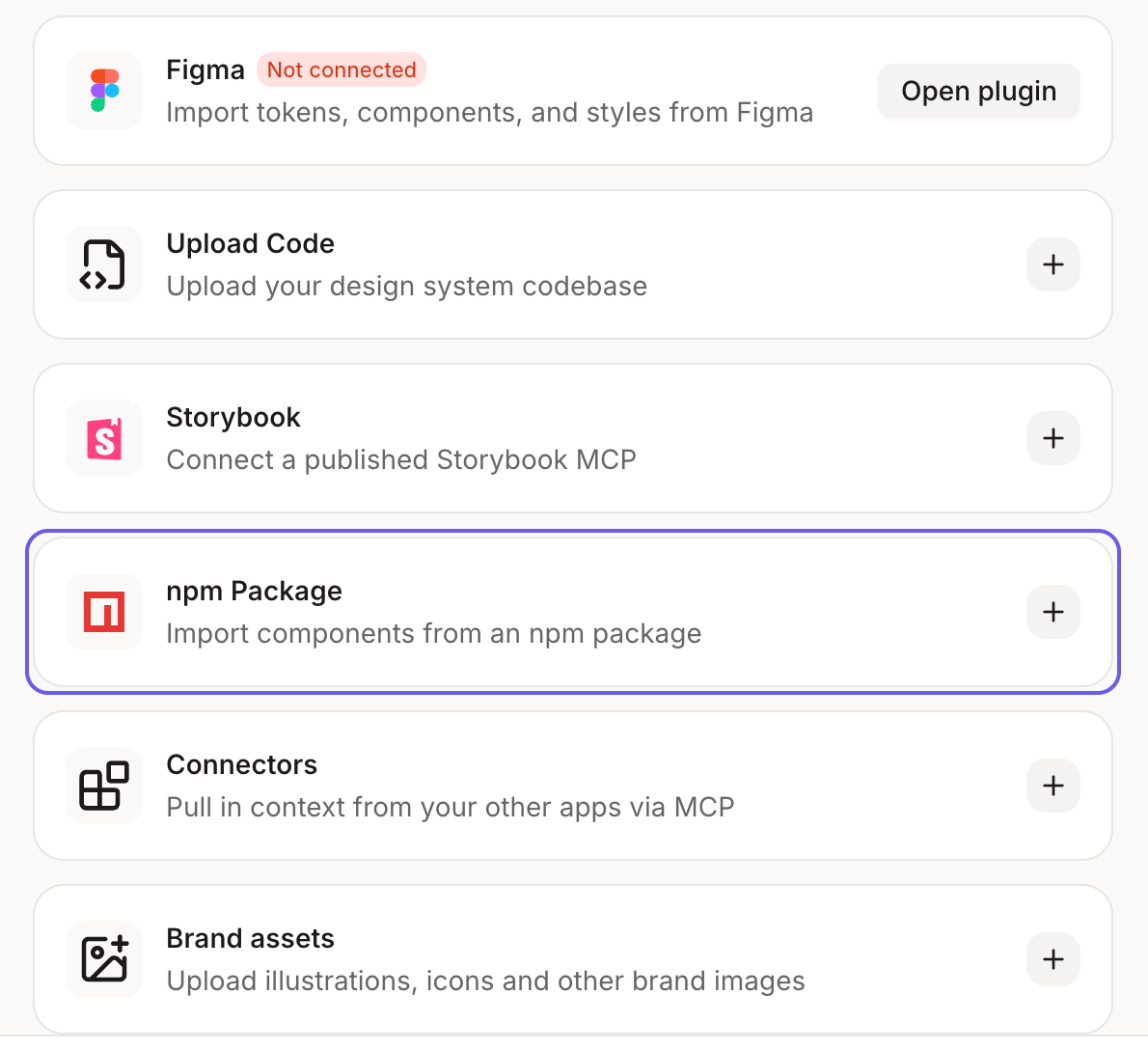
3
Enter your package name
Type the package name, like 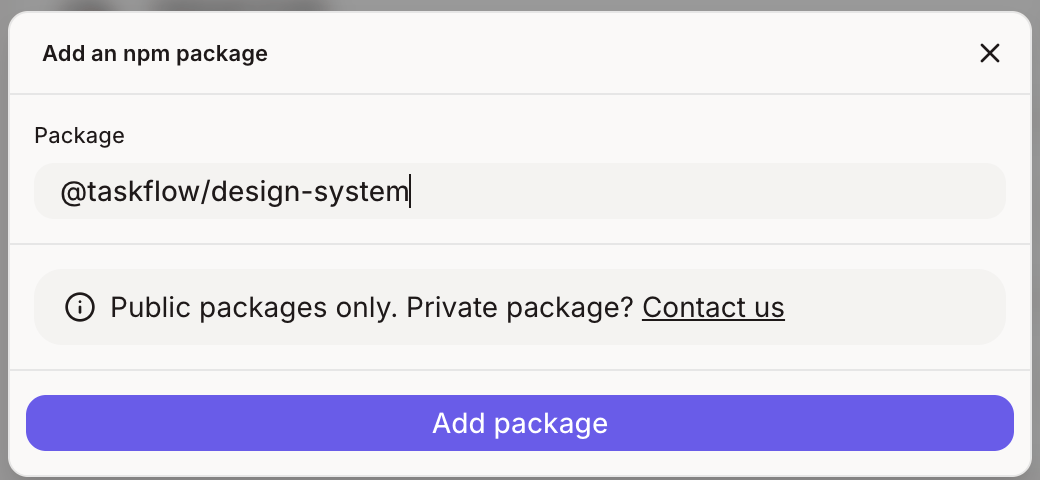
@yourcompany/design-system, and the version you want.4
Set it up
Click Setup design system. Figr reads the package and adds its components and tokens to your design system.