

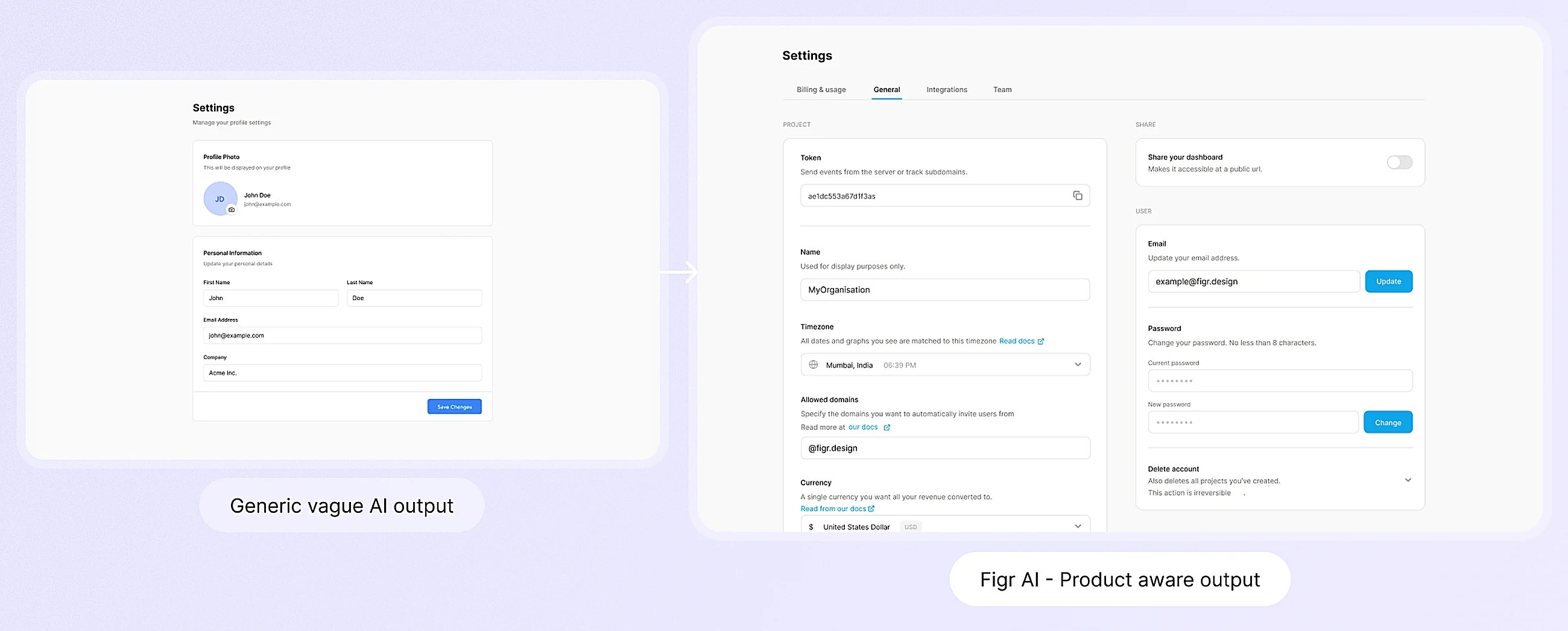
Product-aware design: output that fits your existing product.
Design new work
Add to an existing journey
Figr finds the screens, designs the feature and fills in every state.
Research to flows
Interviews and walkthroughs in. Journey maps and user flows out.
Many directions, one decision
Compare real options side by side and keep every decision.
Improve what you have
See what a change touches
Trace one change across every screen before you scope it.
Audit and redesign
Record a flow. Get an audit on each screen and a redesign.
Design system
AI-ready design system
Line up Figma and code so every AI tool uses the same system.
Design system from screens
Turn the screens you already ship into one design system.
DS compliant prototypes
On-system prototypes, with any off-system element flagged and fixed.
Hand off
Draft to Figma
Send a PM’s first draft to Figma as editable layers, not a rebuild.
Hand off to engineering
Engineers pull the real design into their own coding agent.