

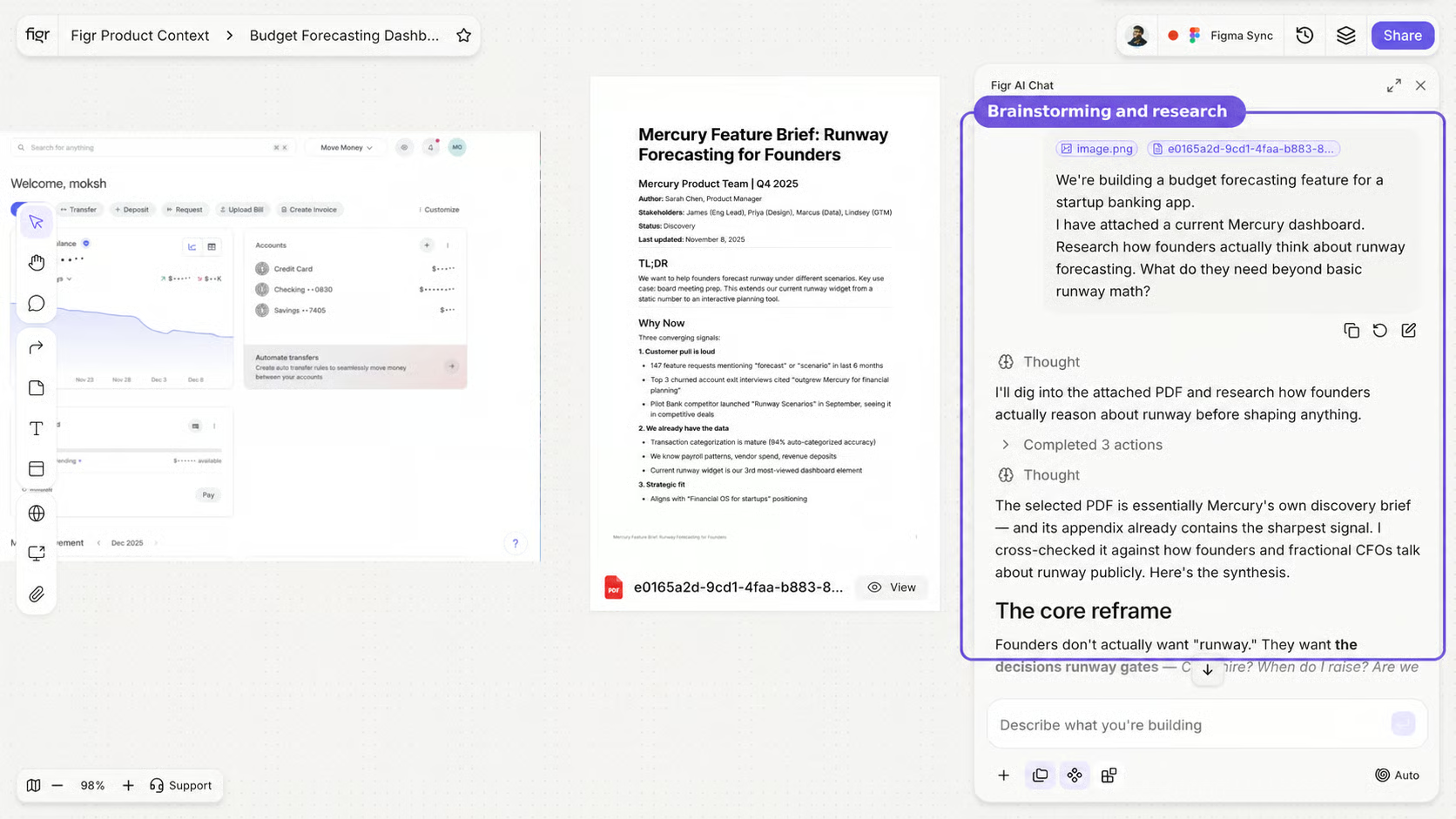
Pick a mode
The mode picker below the chat box sets how Figr responds.When to brainstorm
Use Brainstorm when you’re still deciding:- What the user journey should be
- Which UX approach makes sense
- Which edge cases matter
- What a screen should include
- What trade-offs exist and which assumptions need checking
- “What are the edge cases for a guest checkout flow?”
- “Compare three onboarding approaches for a B2B analytics tool.”
- “Given this PRD, what requirements are unclear from a UX perspective?”
- “Review this feature idea and suggest the safest MVP flow.”
Next
UX review
Find what to fix in what exists today.
Map a user flow
Turn the direction into a journey.