1
Open your Context Pod
Go to Product intelligence, open a pod, switch to the Sources tab and click Add sources.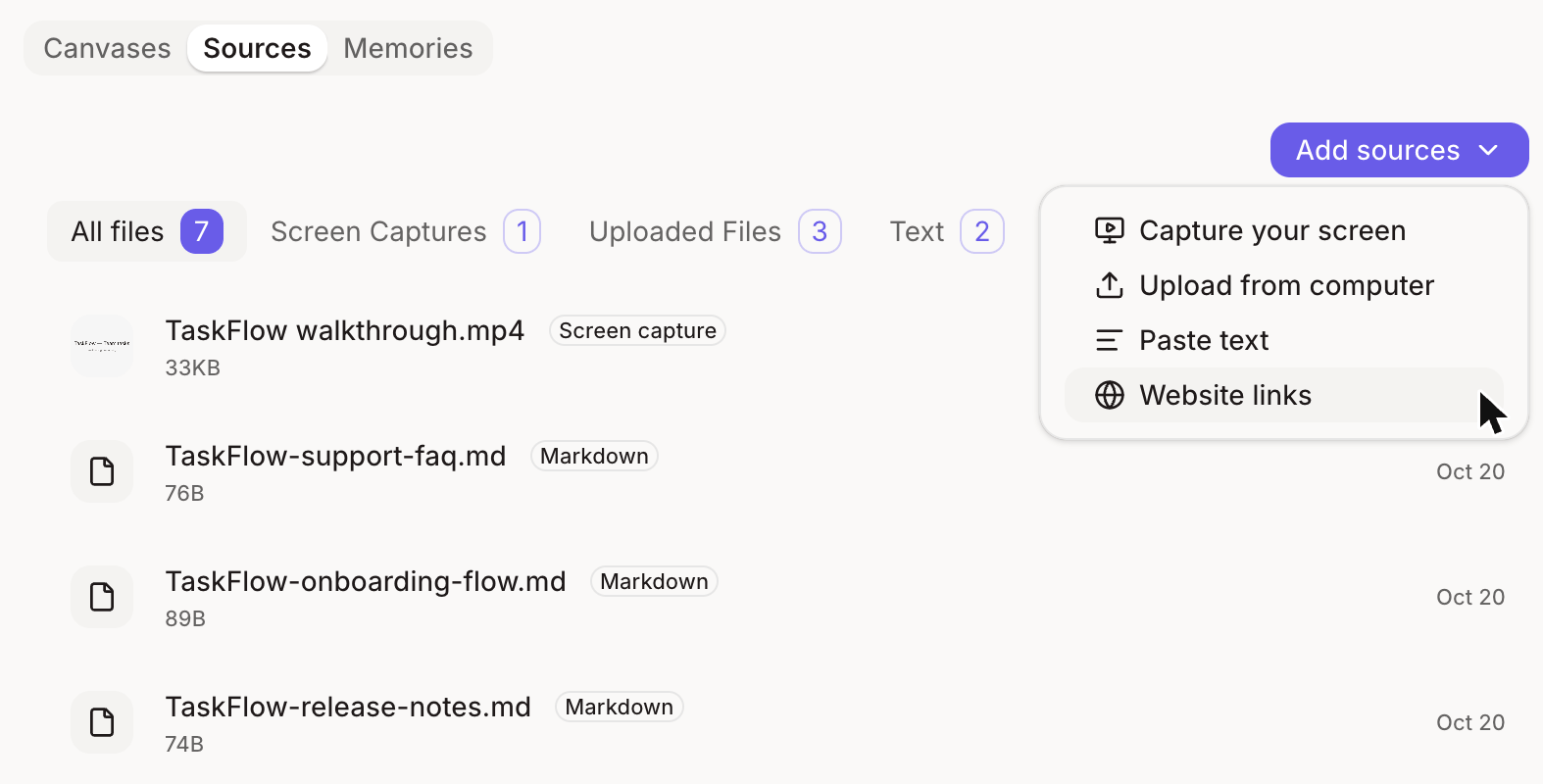
2
Paste the page's URL
Choose Website links and paste the link. The page must be public, so anyone can open it without logging in.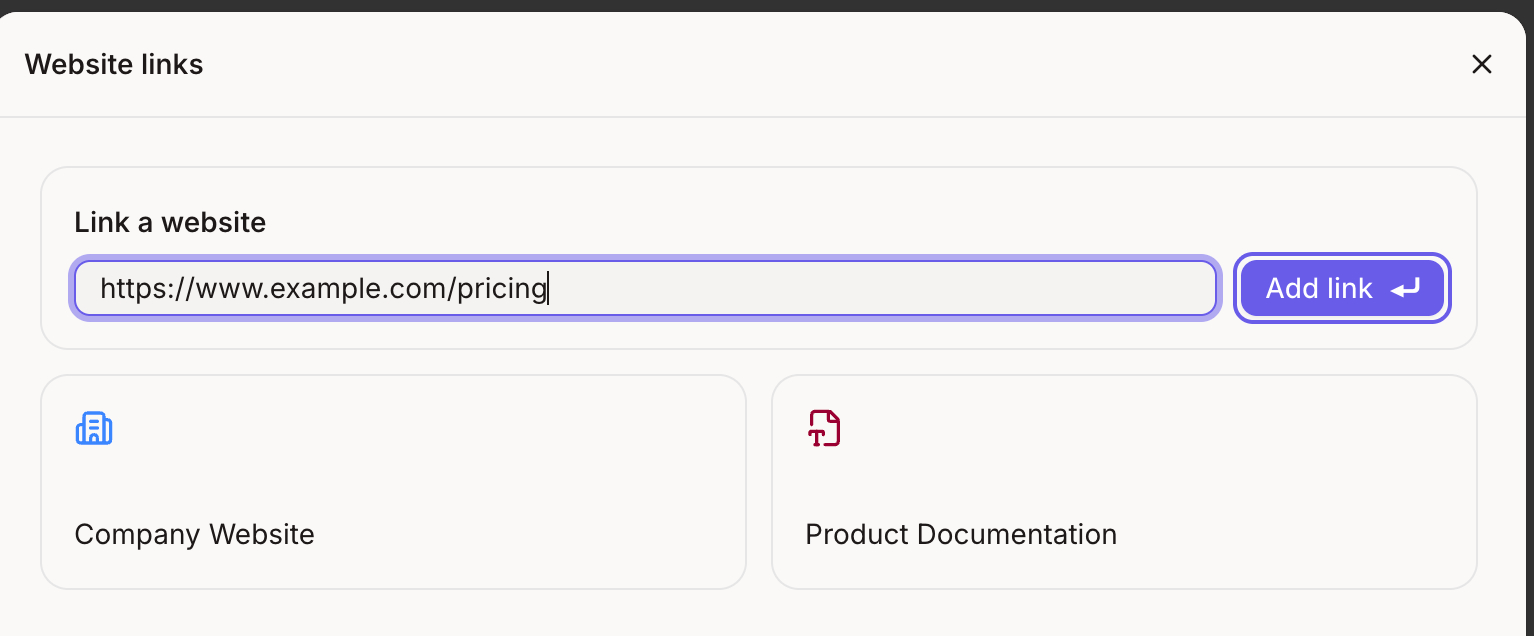
Want Figr to match how a page looks, not just what it says? Capture it with the Figr Capture Chrome extension instead. A link gives Figr the page’s text. A capture gives it the layout and visuals.
3
Add it to the pod
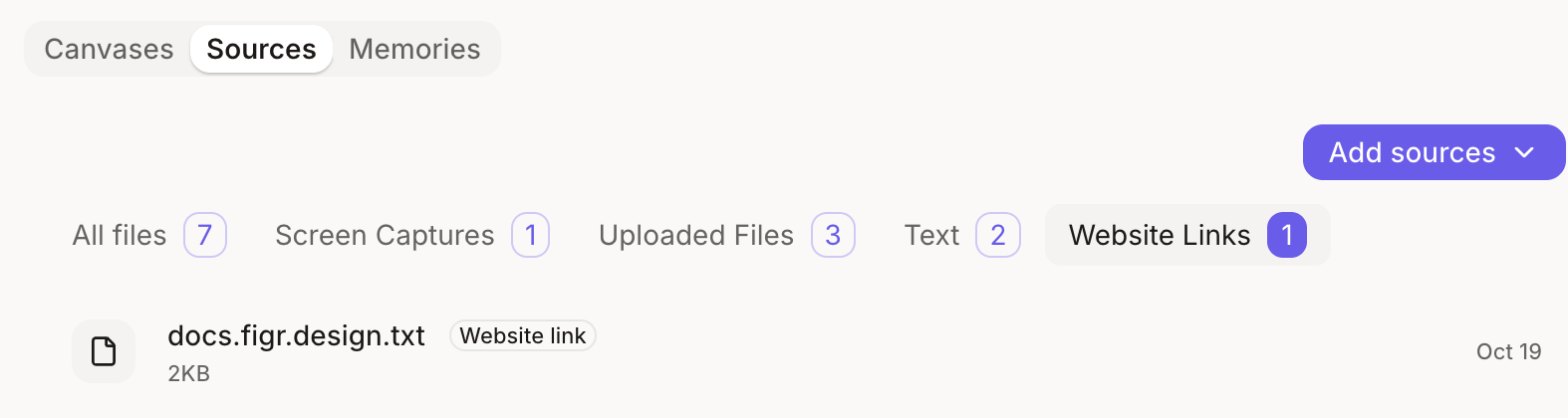
Click Add link. Figr reads the page and adds it to your pod’s sources.