

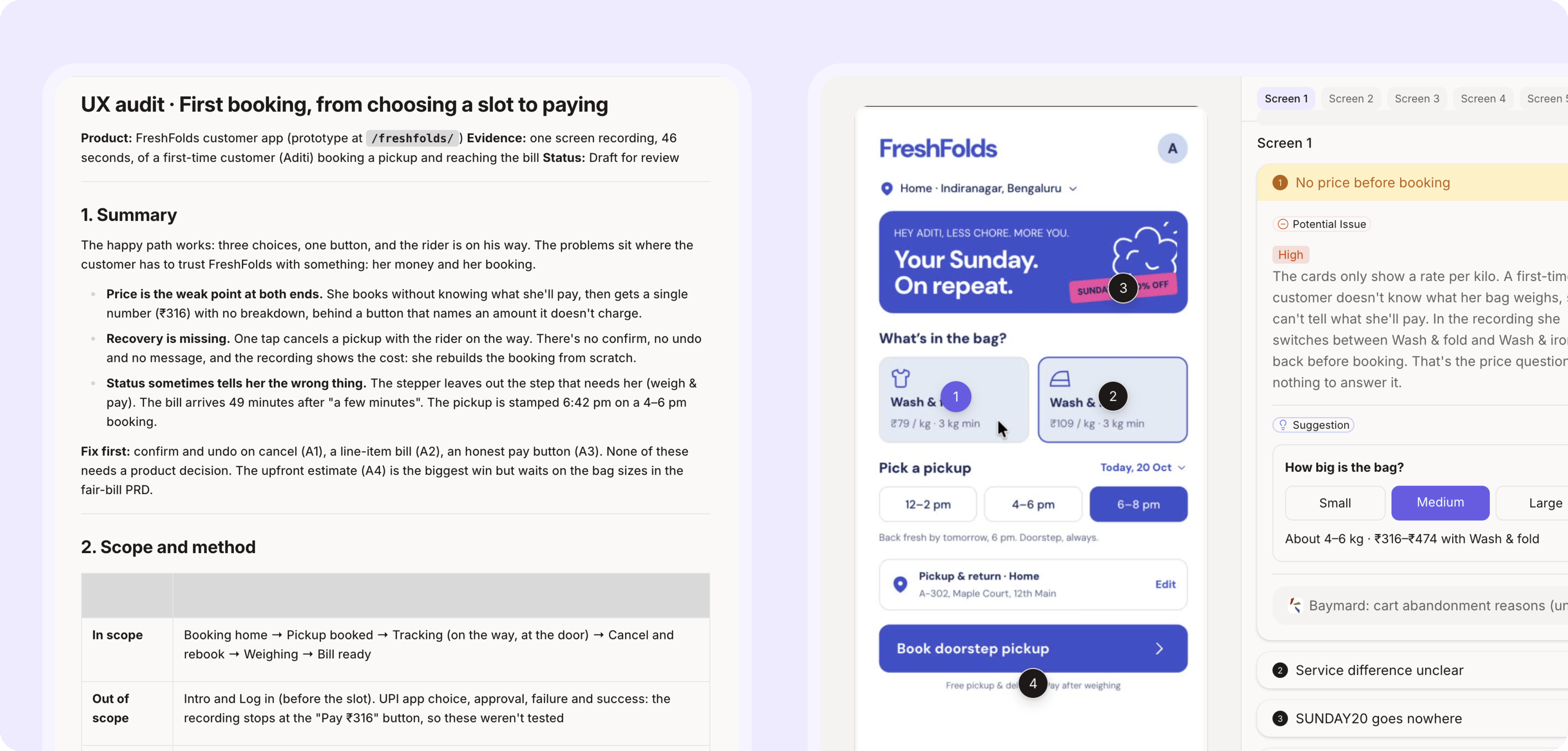
How it works
1
Record the flow
Share your screen and walk through the flow, or upload a recording you already have. In the FreshFold example: a customer booking their first laundry pickup, from choosing a time slot to paying.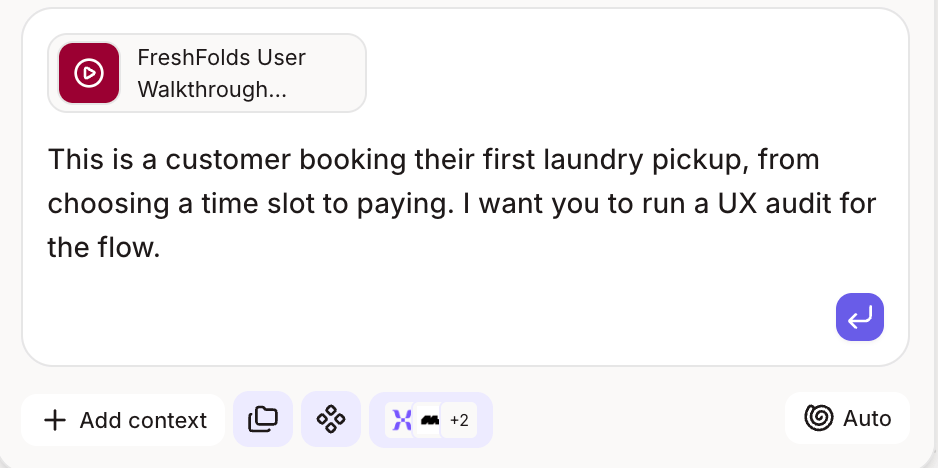
2
Figr breaks it into screens
Figr pulls out each screen and step from the recording, so you don’t have to take a single screenshot.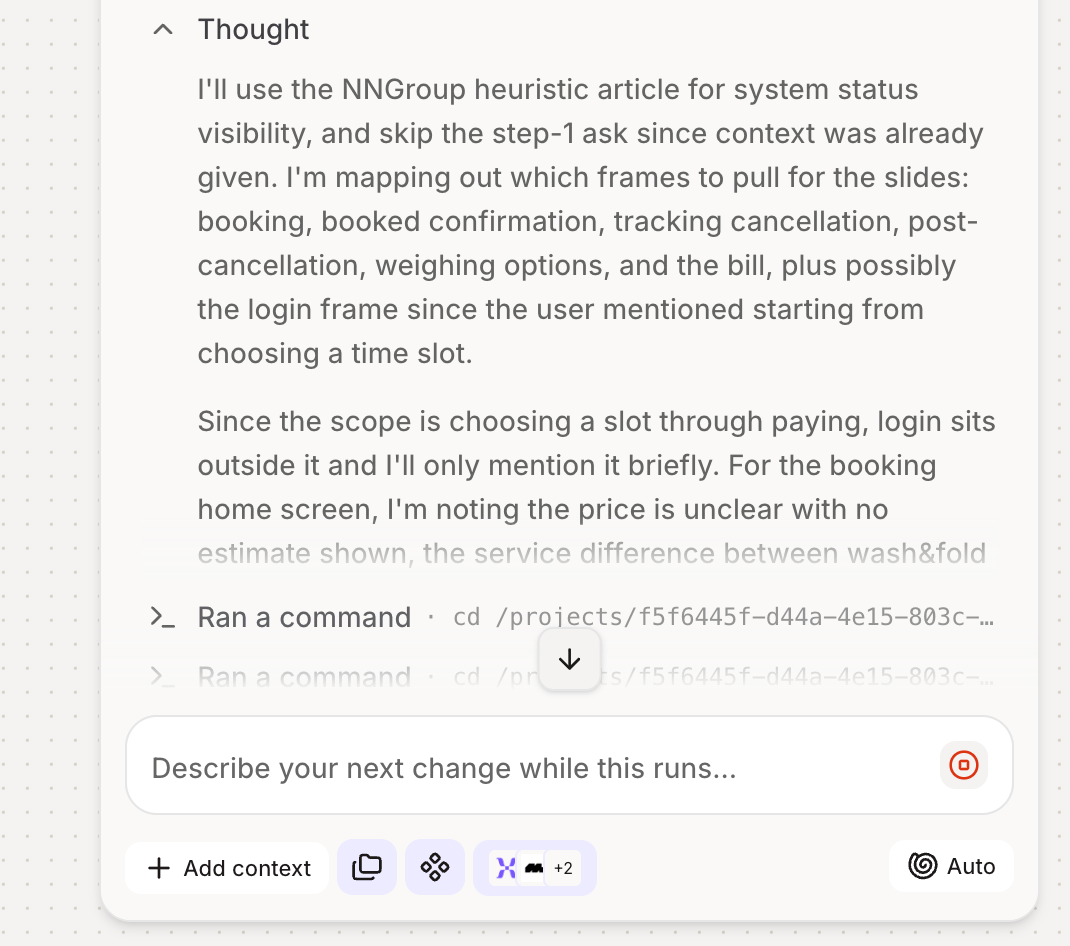
3
Figr audits every screen
You get a UX audit with each finding pinned to the exact screen it happens on, covering usability, clarity, accessibility and consistency.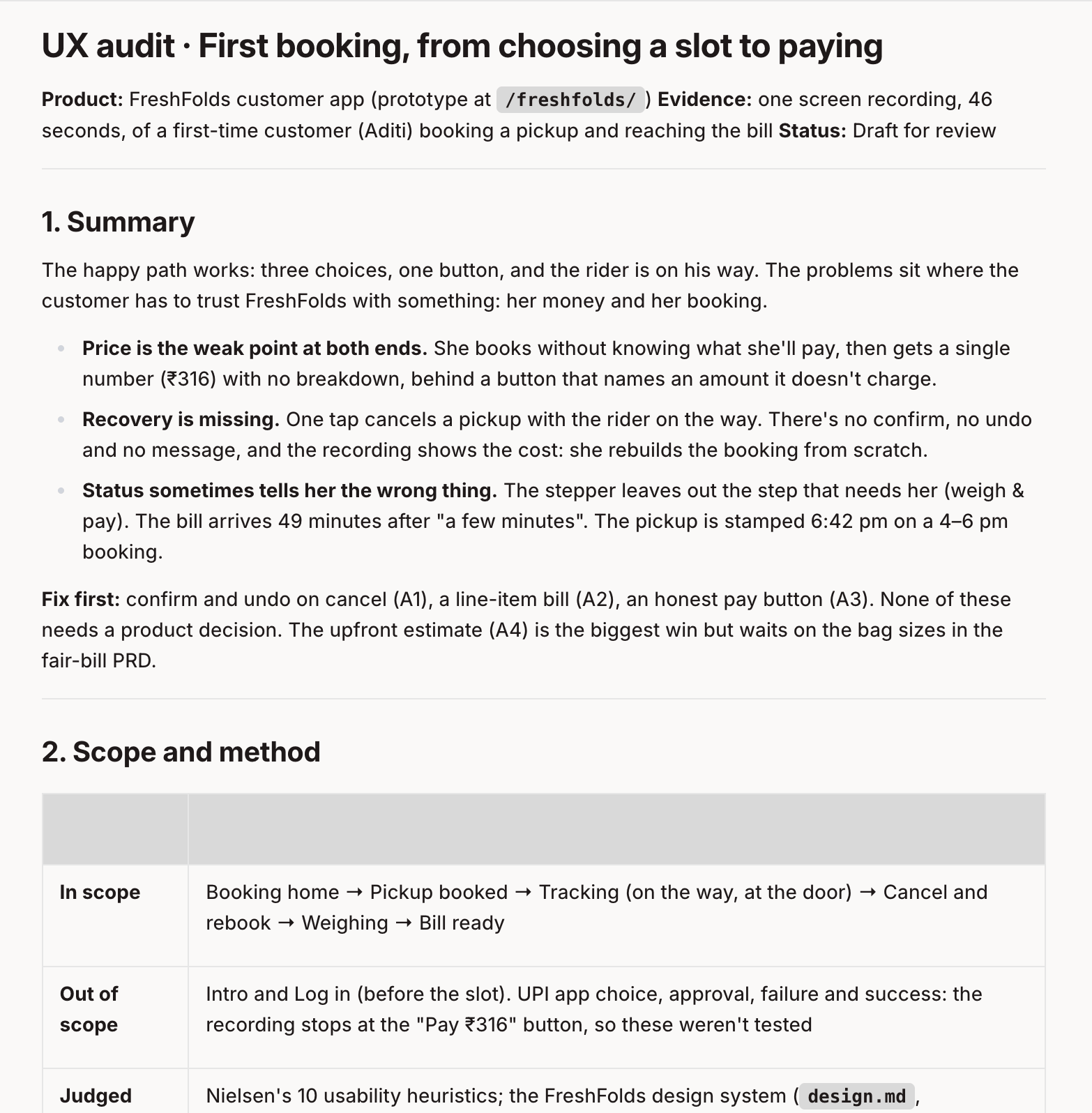
4
Figr redesigns what’s broken
Pick the findings that matter, and Figr redesigns those screens in your design system, right next to the originals.
5
Run a visual review
Add “visual review” to your prompt, and Figr checks the visual quality of the screens it generated, such as spacing, alignment, hierarchy and consistency, then fixes what it finds. It runs only when you ask for it, so you choose when to polish.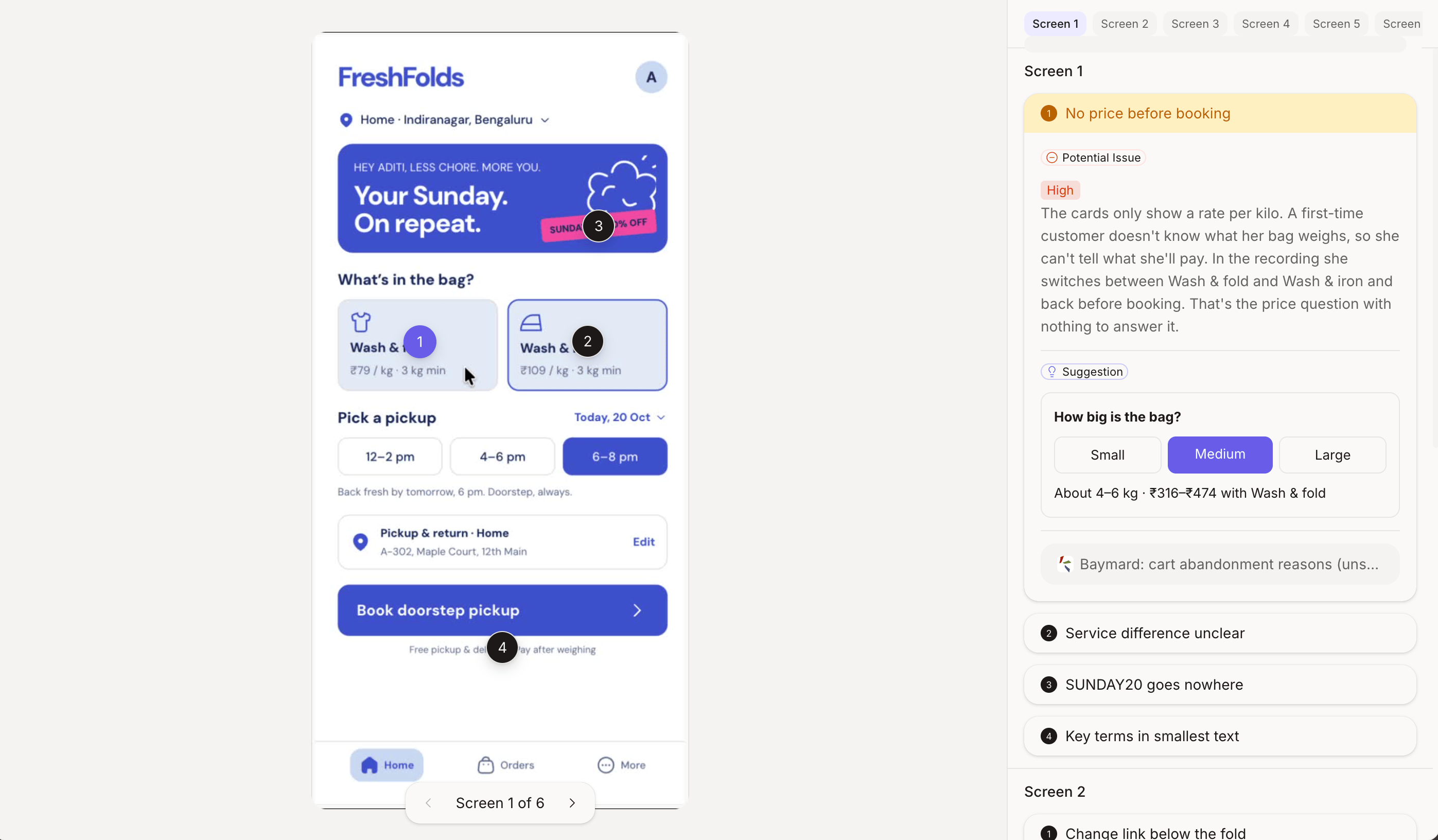
What changes for your team
- Designers catch usability issues before engineering builds them.
- PMs get a ranked list of what to fix, tied to real screens.
- Everyone reviews the flow people actually use, not the one in the spec.
Go further
Get more out of every recording. See how to record walkthroughs Figr learns the most from.Screen recordings
Record walkthroughs Figr can learn the most from.
Related
UX review
How Figr reviews a design.
AI-ready design system
Next step: line up Figma and code so every AI tool follows one system.