

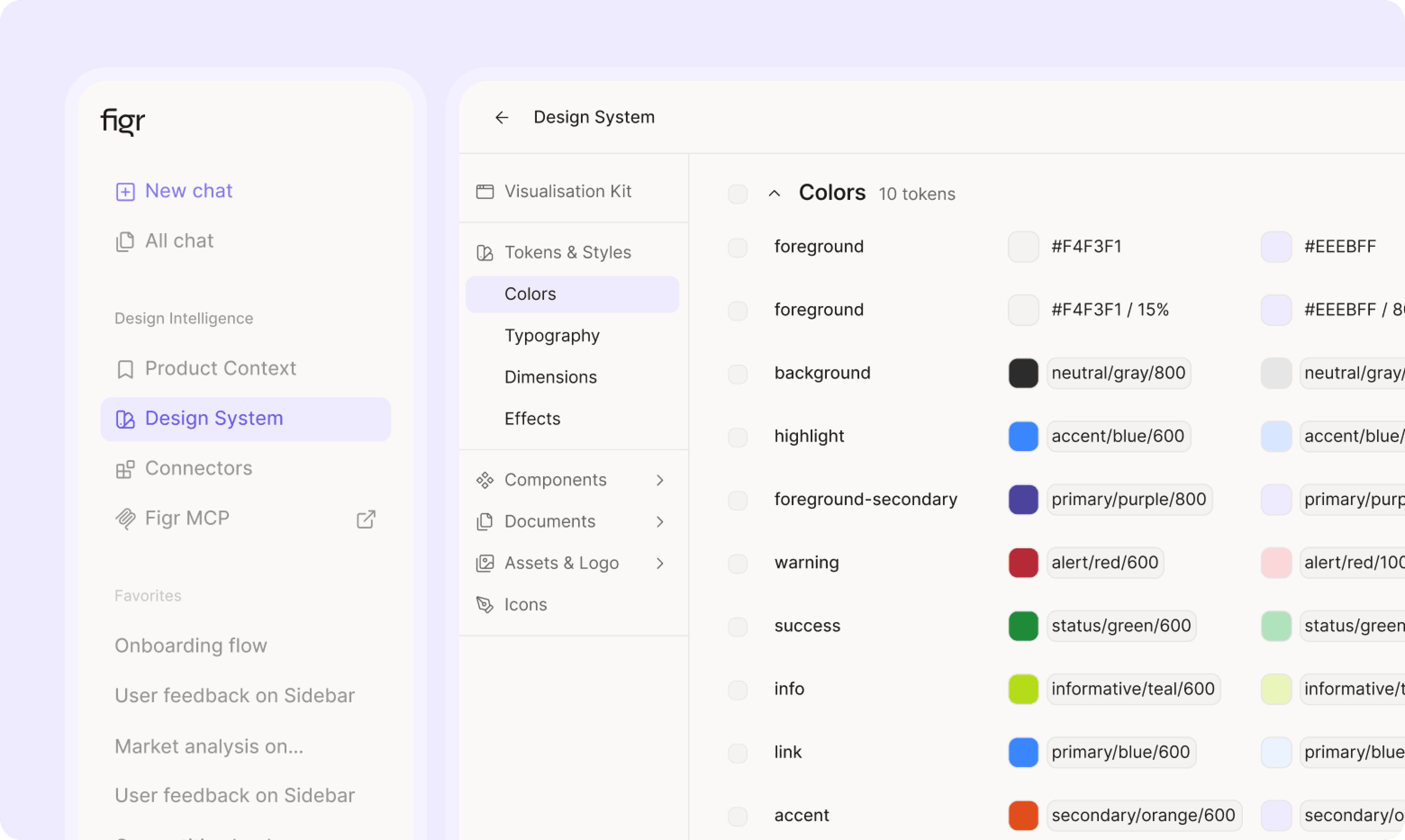
How it works
1
Connect both sides
Figr connects to your Figma library and your component code. In the FreshFold example: the FreshFold UI kit in Figma and its component library in code.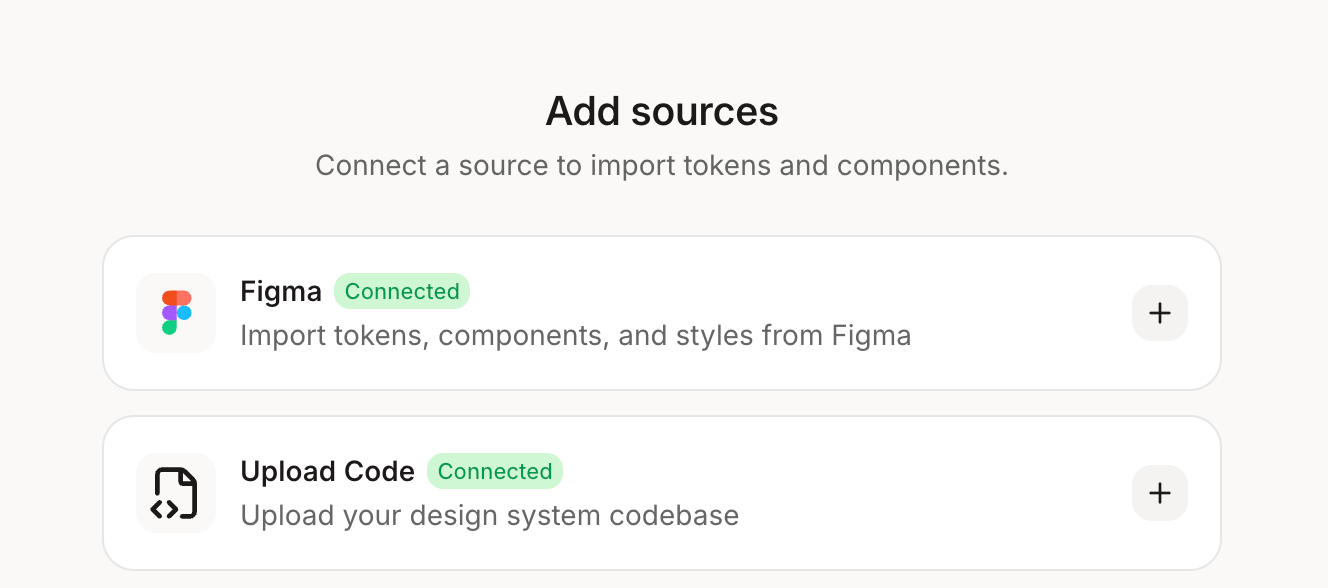
2
Figr finds the mismatches
You get a list of every place Figma and code disagree: colors, spacing, variants, and components that exist on only one side.
Available only for Enterprise.
3
Figr writes the guidelines
For each component, Figr writes when to use it, which variants exist and what not to do, in a form AI tools can follow.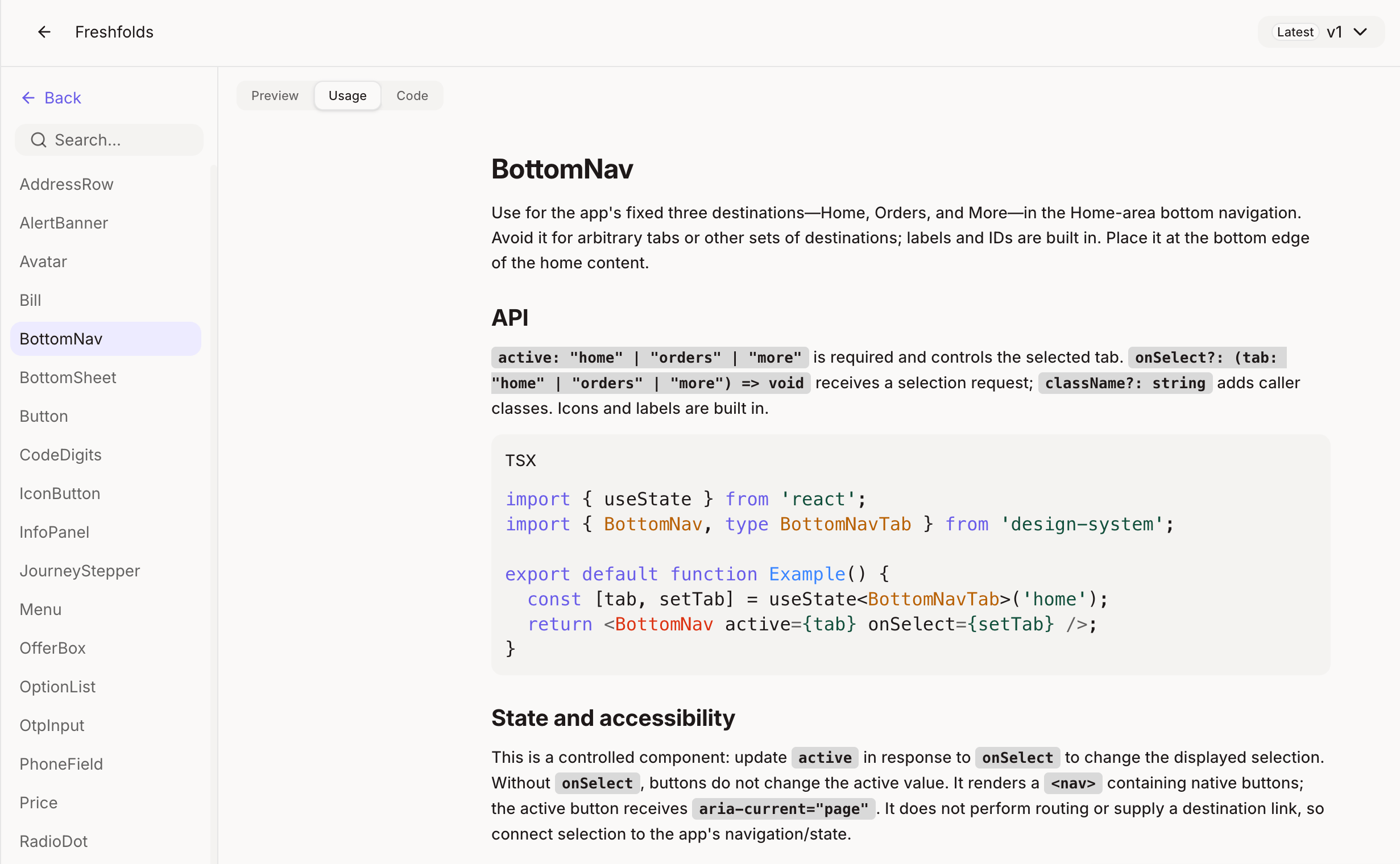
4
We set it up with you
A Figr engineer works through the setup with your team, so the system is right from day one.
What changes for your team
- Design system teams see drift in one report instead of finding it in production.
- AI tools stop inventing components, without prompt patches.
- Every screen Figr makes uses the system your engineers actually ship.
Go further
Put the AI-ready system to work in engineering. See how coding agents read it through Figr MCP.Figr MCP
Let coding agents read your design system and designs.
Get started
A Figr engineer guides the setup. Book a call and we’ll walk through your library and code with you.Book a setup call
Plan your design system setup with a Figr engineer.
Related
Design system
How Figr learns and applies your tokens and components.
Design system from screens
Next step: no system yet? Build one from the screens you already ship.