

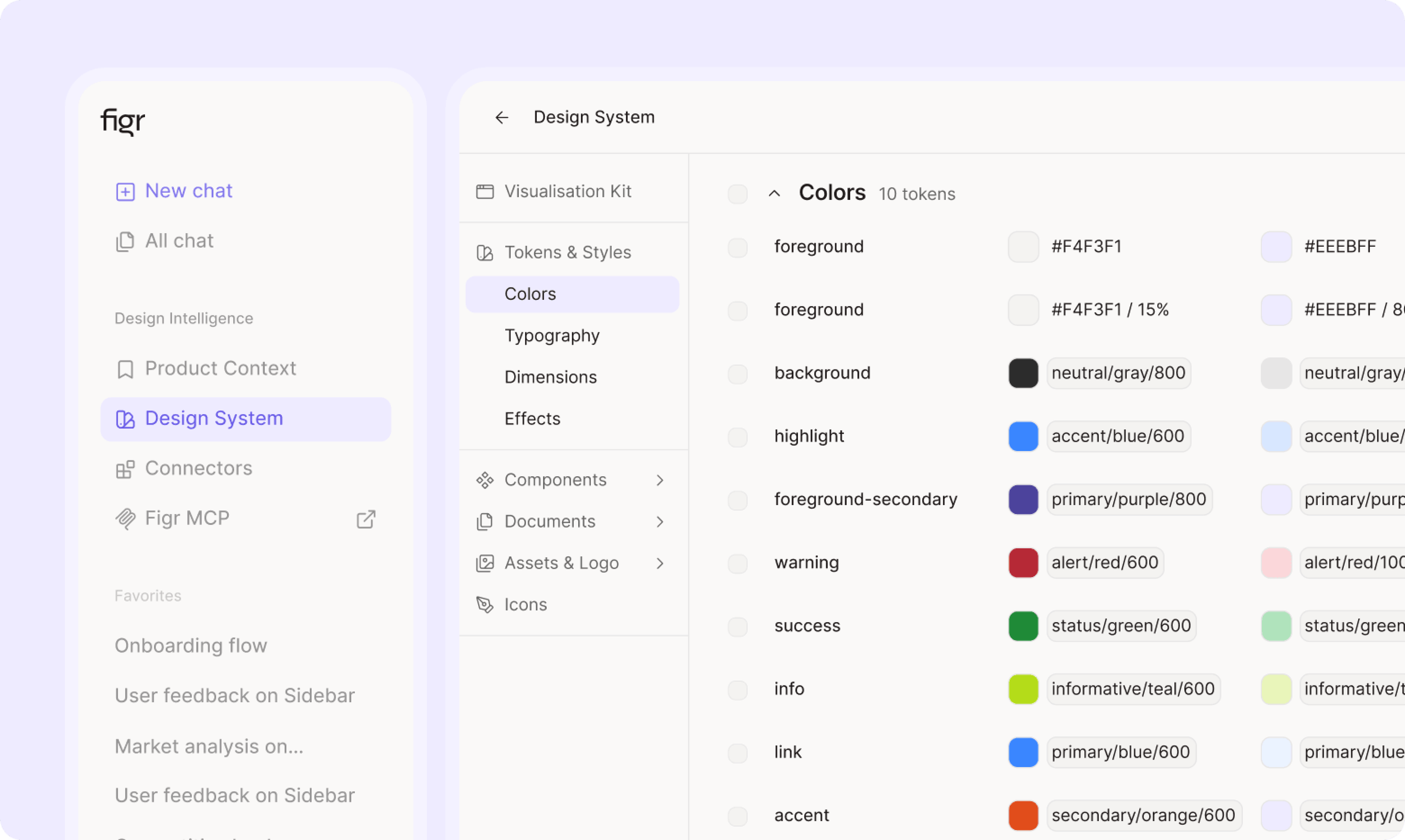
How it works
1
Upload your screens
Add screenshots or walkthrough from every product, plus any CSS or style files you have. The more screens, the deeper Figr’s understanding. In the FreshFold example: screens from the customer app, the rider app, the laundry partner app and the ops dashboard.
2
Figr finds what’s shared
Figr compares every screen and pulls out the colors, type scale, spacing, components and patterns they use.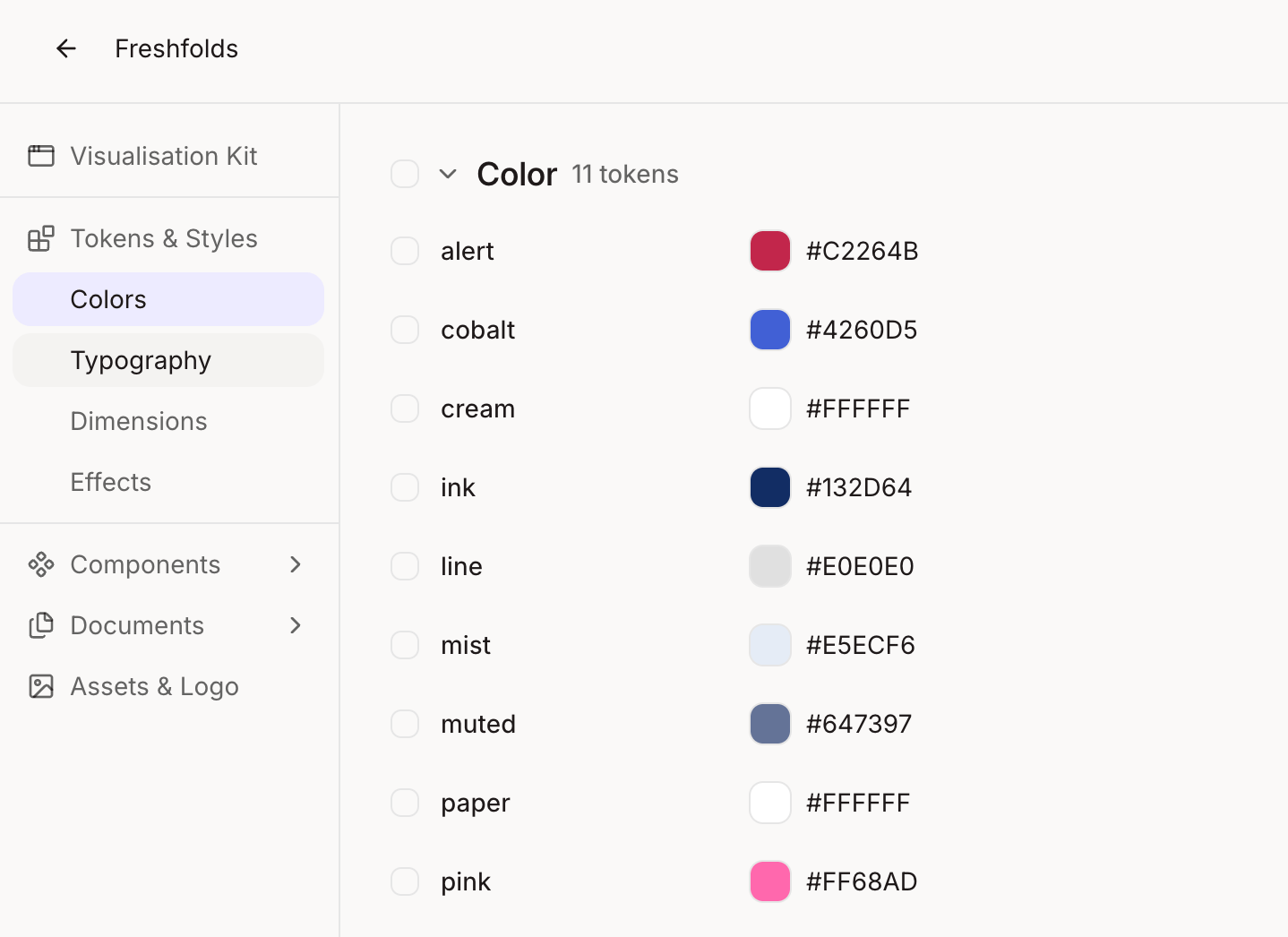
3
Figr learns how each piece is used
Figr pattern-matches across every screen to see where and how each component and token appears, such as which button sits on which screens, and which color means what. It then writes a usage guideline for each one automatically.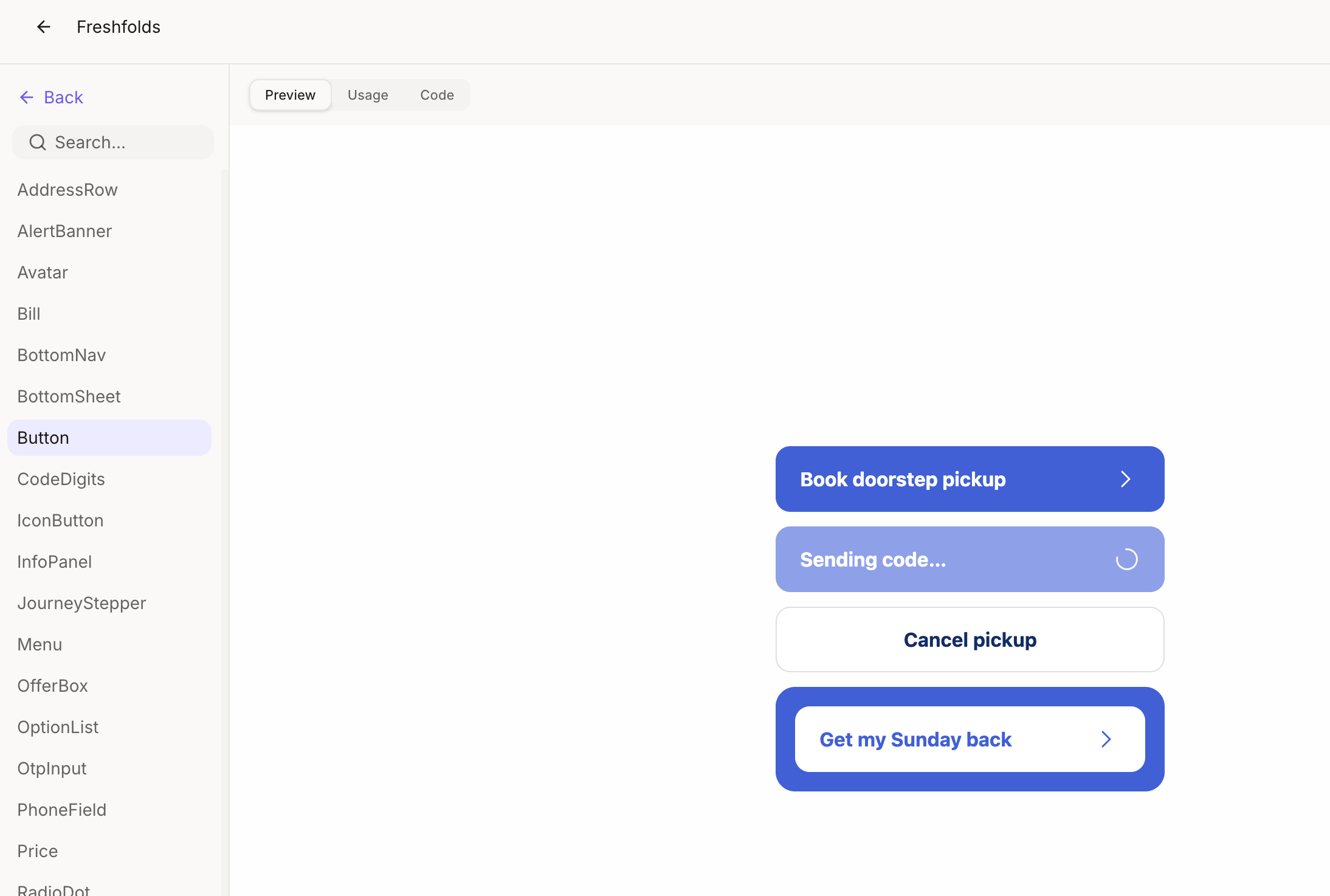
4
Review the system
You get one structured design system, with each token and component labelled by where it’s used. Edit anything before you save it.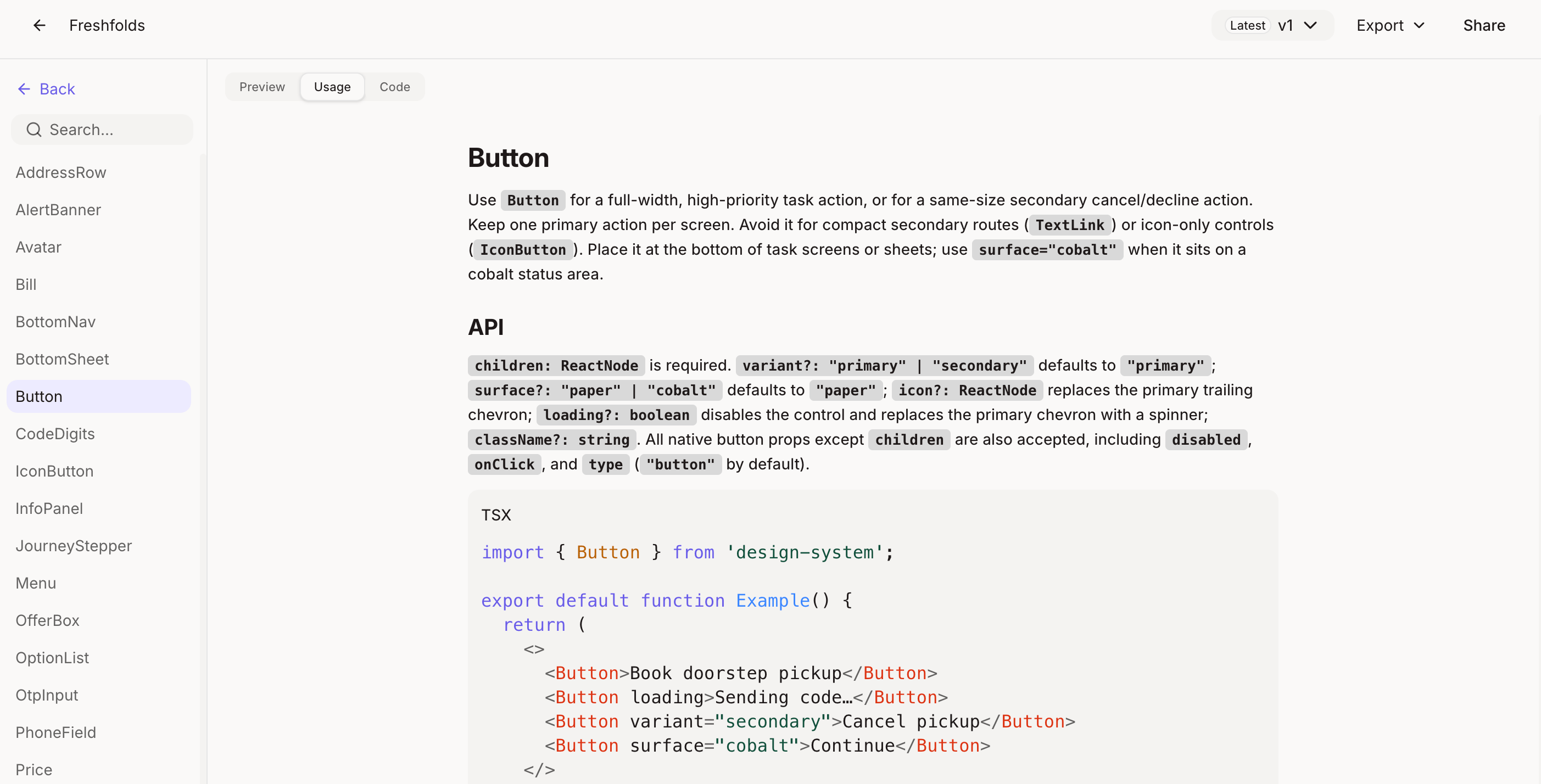
5
Design with it
From then on, every screen Figr makes uses the new system, and follows its usage guidelines, across all your products.
What changes for your team
- Design leads get a working system with usage guidelines in days, not a quarter.
- Undocumented patterns finally get names and owners.
- Every product starts to look like one product.
Go further
Want to fine-tune what Figr extracted? Edit text, color, spacing and layout directly on the design.Direct editing
Change text, color, spacing and layout without regenerating.
Related
Design system
Set up and edit your design language.
DS compliant prototypes
Next step: build prototypes that follow your new system.