

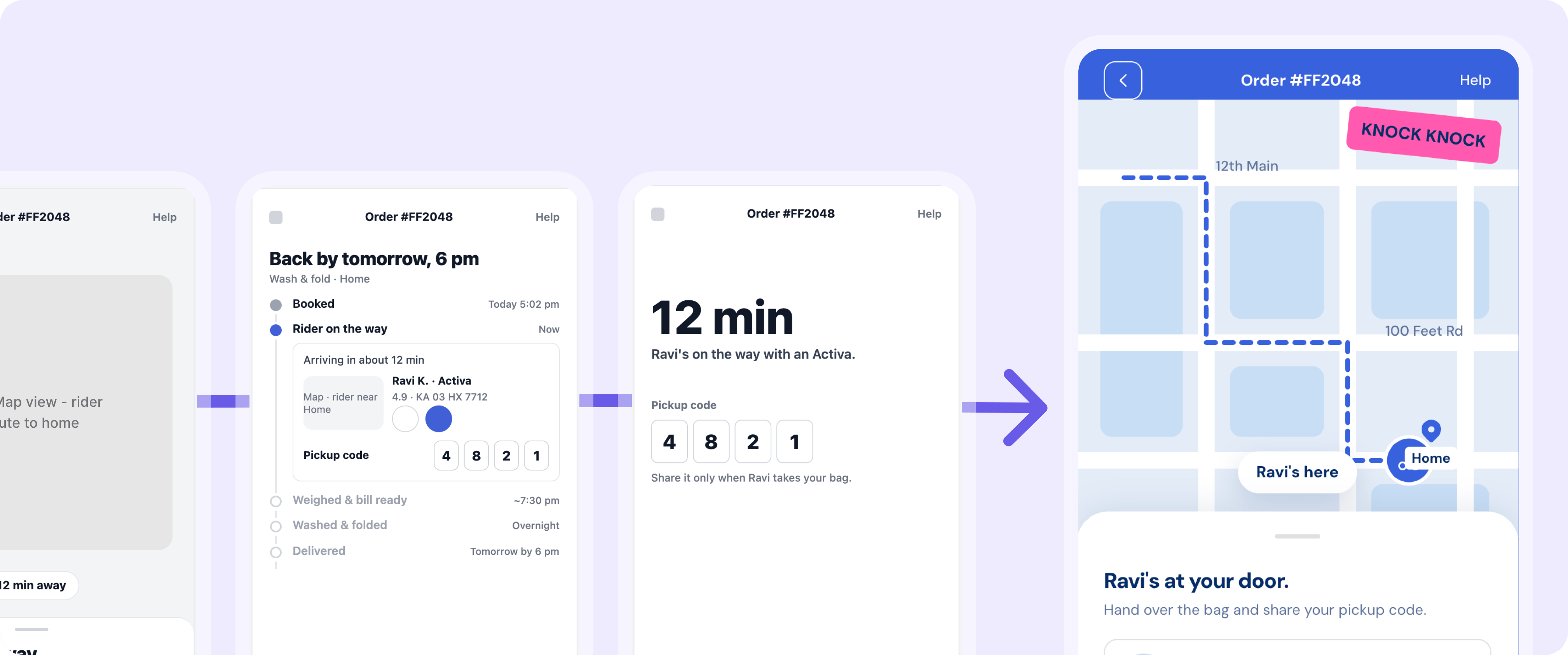
How it works
1
Ask for directions
Describe the idea and how many directions you want. In the FreshFold example: three takes on the order tracking screen.
2
Figr explores with taste
Figr draws on proven UX patterns and user psychology principles to pick approaches that are genuinely different, and explains the thinking behind each one.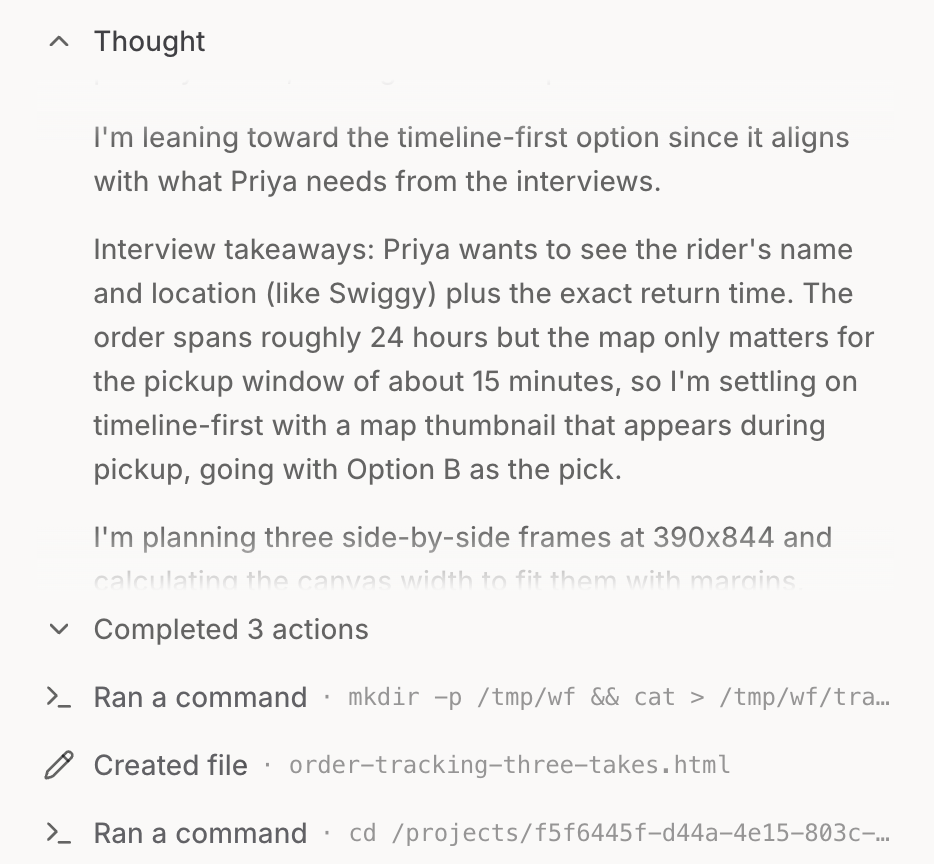
3
Compare them side by side
Each direction sits on the canvas next to the others. Take any one further in its own thread without losing the rest.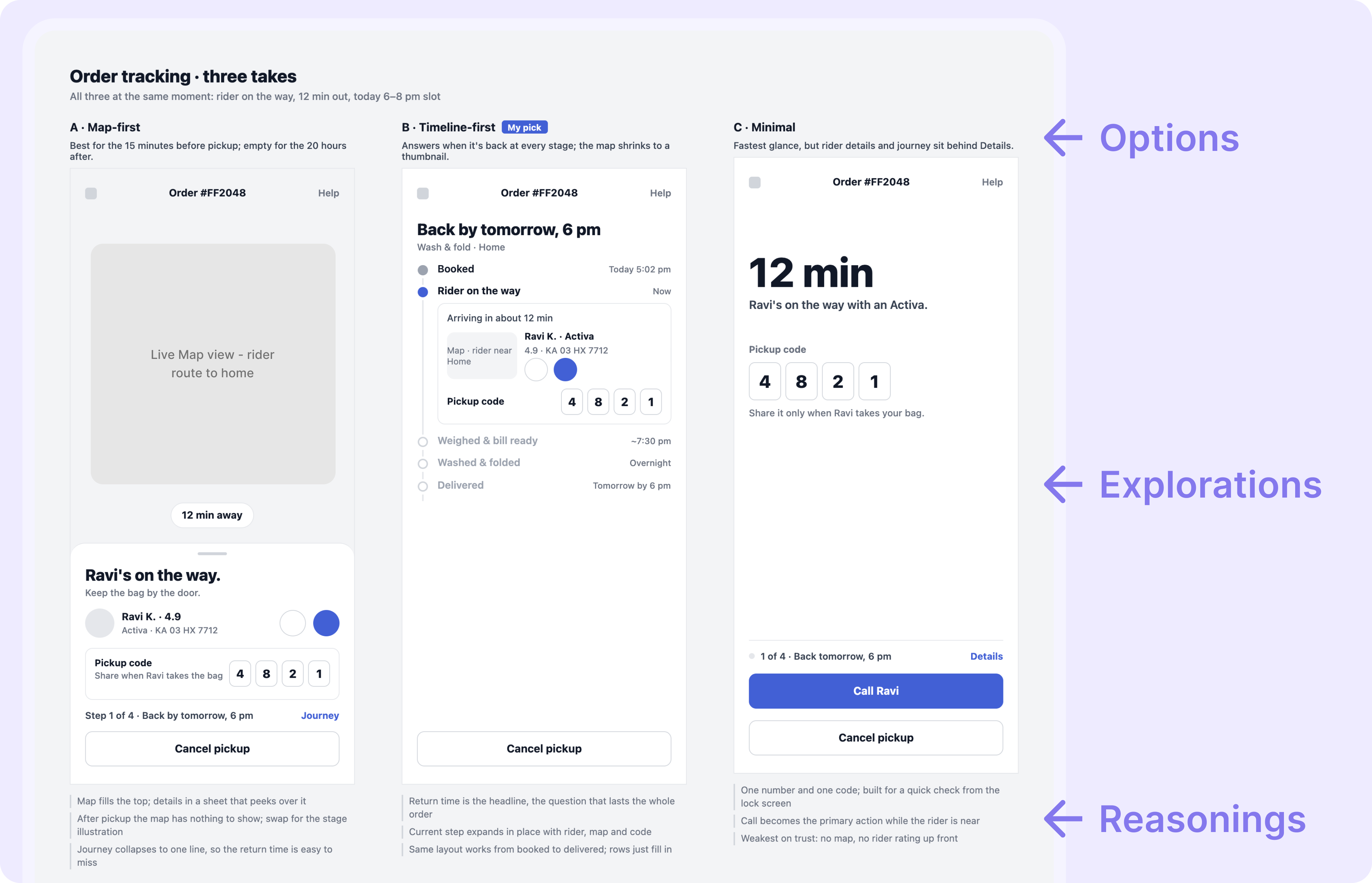
4
Share one link for review
Send stakeholders a link. They comment on the design itself, not in a separate thread.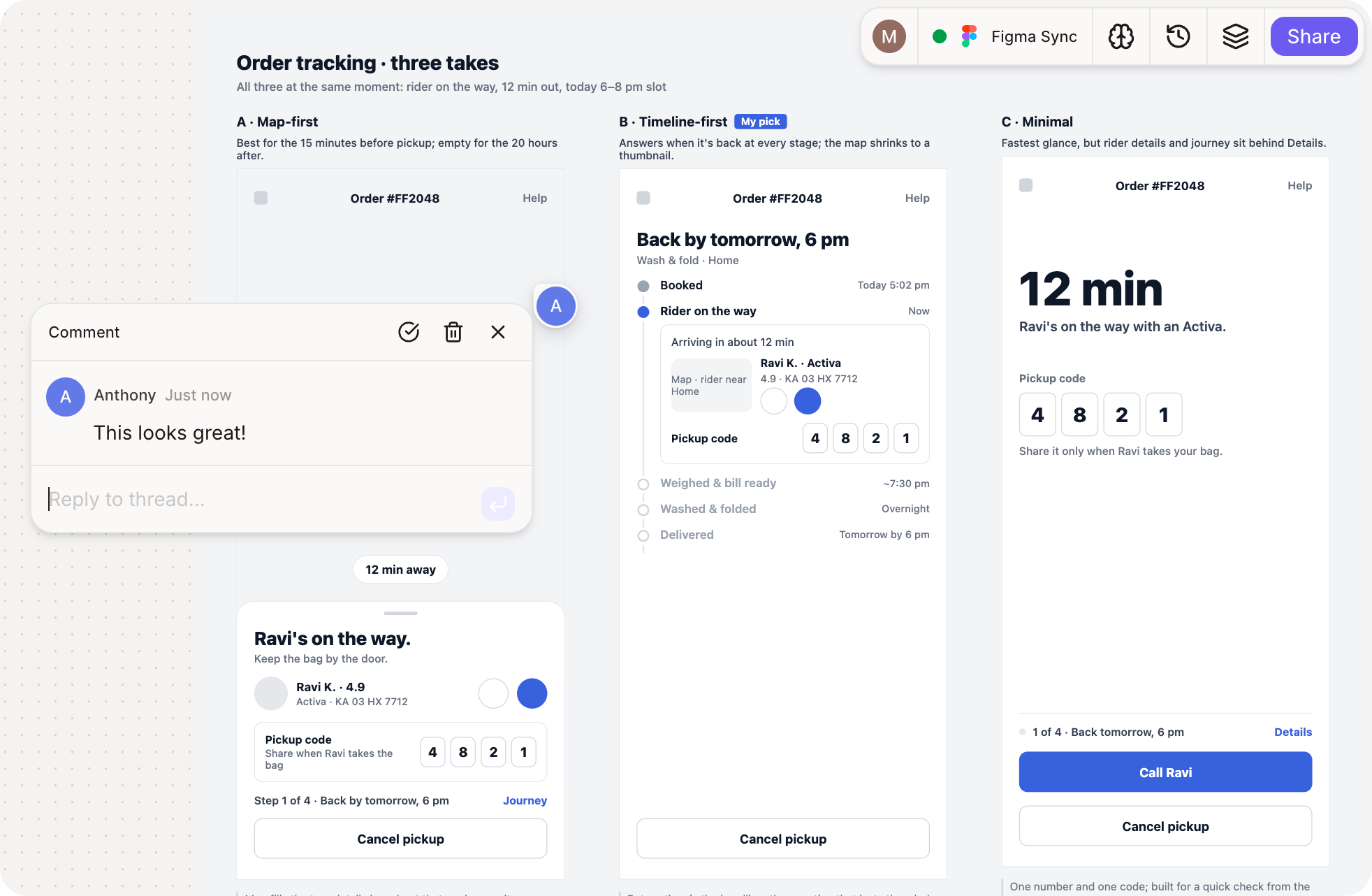
5
Figr acts on the feedback
Ask Figr to apply the final changes, and it updates the design. The comment, the change and the reason stay together.
What changes for your team
- Designers get directions with real range, in the time one used to take.
- Stakeholders review the design itself, from one link.
- Everyone can see why a decision was made, months later.
Go further
Get your work in front of the right people. See every way to publish and share from Figr.Publish and share
Share a live link with comments and password protection.
Related
Organize canvas work
Keep directions, notes and comments easy to scan.
See what a change touches
Next step: trace a change across every screen before you scope it.